
COLUMN
08/11/2026
Next.js Standalone Output vs. Static Export: Which Build Mode Should You Choose for Self-Hosting?
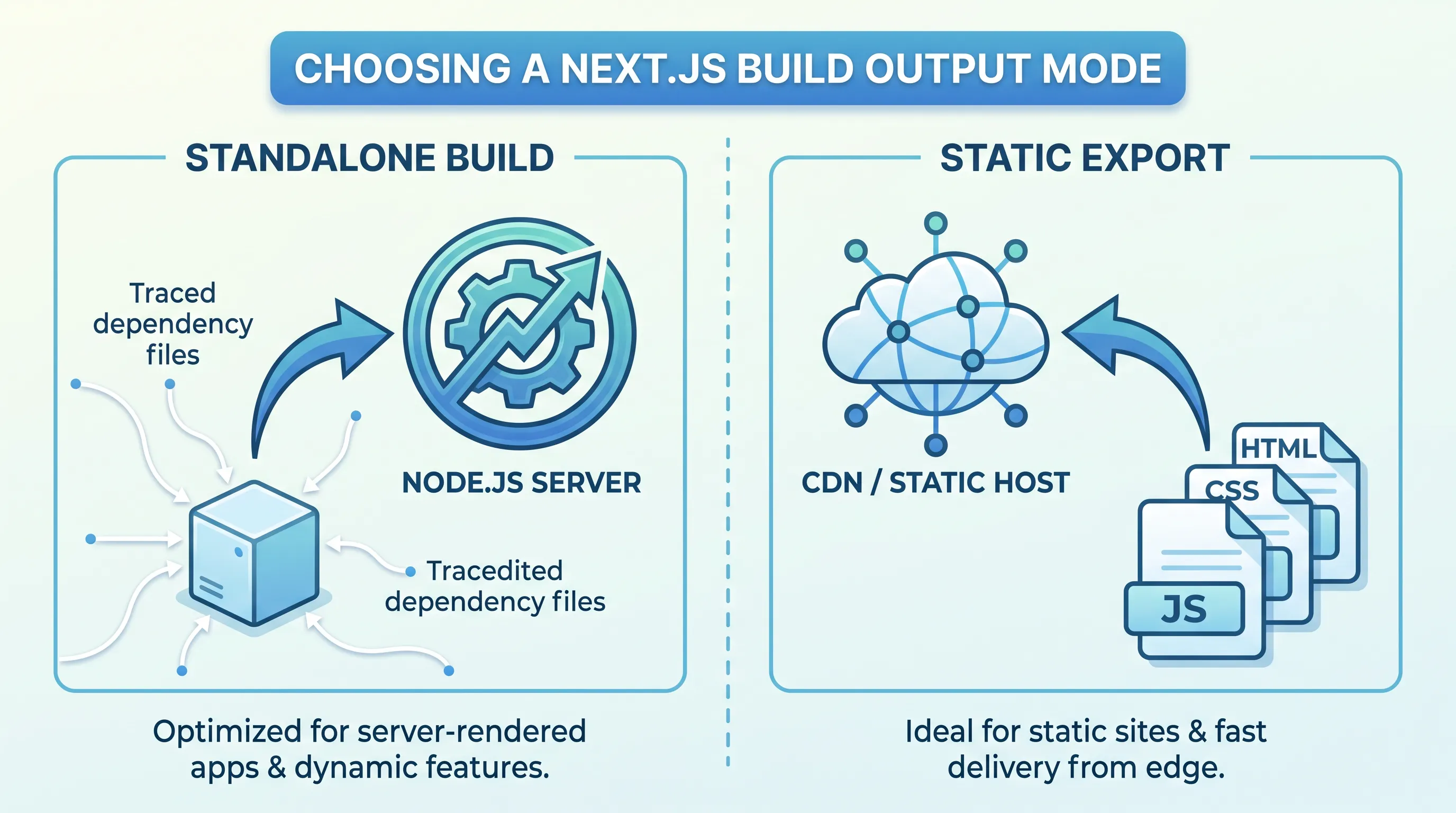
Next.js gives you two very different build outputs — standalone and export — and picking the wrong one means reworking your deployment later. Both are configured with the same output option in next.config.js, both ship with official support, and both are routinely recommended for "self-hosting Next.js outside Vercel." But they solve different problems, and the overlap in how they're described online is where most of the confusion comes from.
This guide walks through what each mode actually produces, which features survive the switch to export, and how to tell which one your app needs before you write a single deployment manifest.
What output: 'standalone' Actually Does
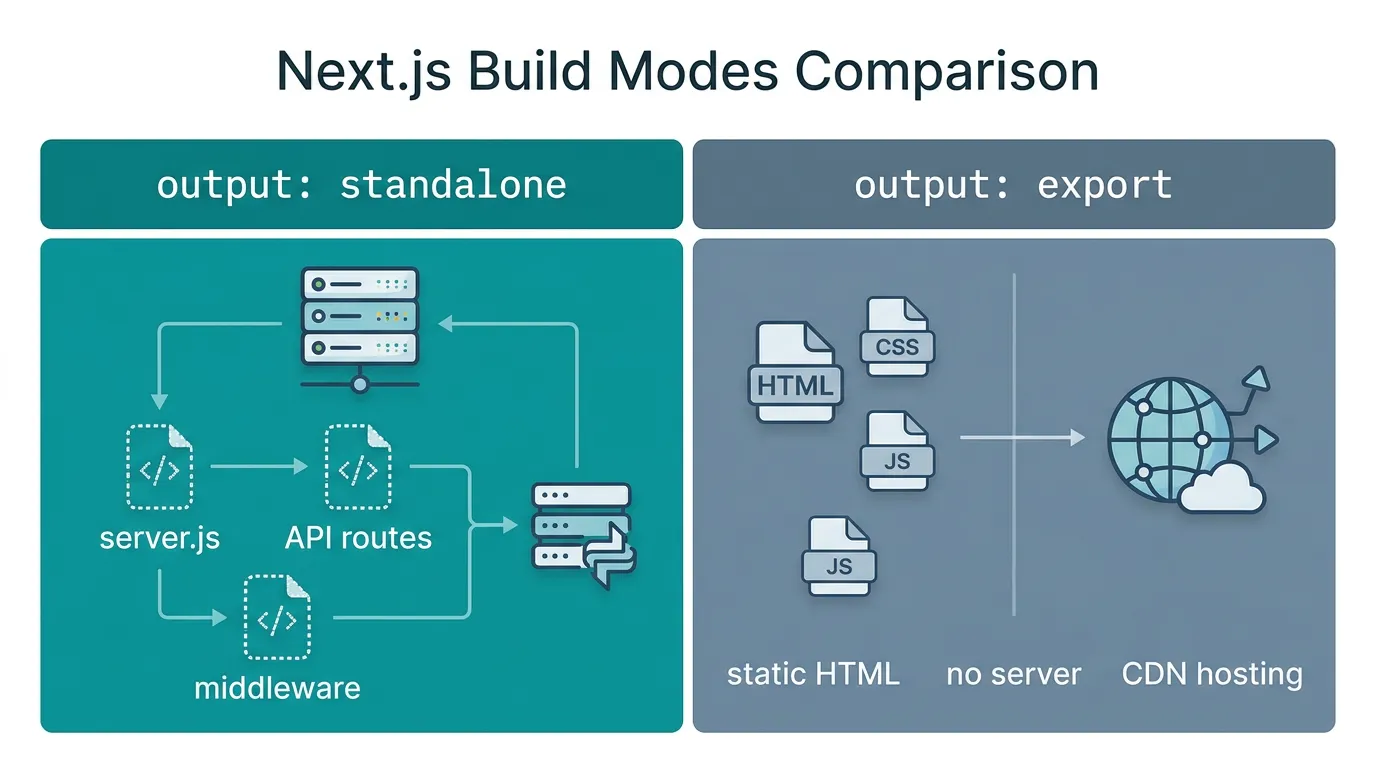
Setting output: 'standalone' in next.config.js tells Next.js to produce a self-contained server you can run with plain node, without installing the rest of your node_modules tree on the host:
// next.config.js
module.exports = {
  output: 'standalone',
}
After next build, Next.js uses its built-in file tracing to copy only the files a given page or API route actually needs into .next/standalone, along with a minimal server.js entry point. That folder does not automatically include your public/ directory or the .next/static assets — the official deployment docs call this out explicitly, and it's the most common reason a standalone build 404s on CSS and images right after deployment. You copy those two directories in yourself, usually in the last stage of a Dockerfile.
The result still behaves like a real Next.js server: API routes run, middleware runs, pages can be server-rendered per request, and Incremental Static Regeneration keeps working. This is the mode every "Dockerize Next.js" guide (including our own) is built around, because it maps directly onto "build an image, run a container."
What output: 'export' Actually Does
Setting output: 'export' instead asks Next.js to render every route to static files at build time, with no server involved at runtime:
// next.config.js
module.exports = {
  output: 'export',
}
Running next build then writes a complete static site into an out/ directory — HTML, CSS, JS, and any statically generated data, ready to be served by a CDN or any static file host. Older write-ups mention a separate next export command; that command is deprecated in current Next.js in favor of this config option, per the static export docs — next build alone now produces the out/ folder.
The trade-off is that anything requiring a live server at request time is off the table: API Routes, Server Actions, Middleware, on-demand ISR, and the default Image Optimization loader all need a running Next.js server, and the static export docs list them as unsupported (or requiring extra configuration, like swapping in a custom image loader or setting images.unoptimized: true). Dynamic routes have to be fully resolvable at build time through generateStaticParams — there's no fallback: 'blocking' to fall back on, because there's no server left to render a page on demand.
Deciding Which One Fits Your App
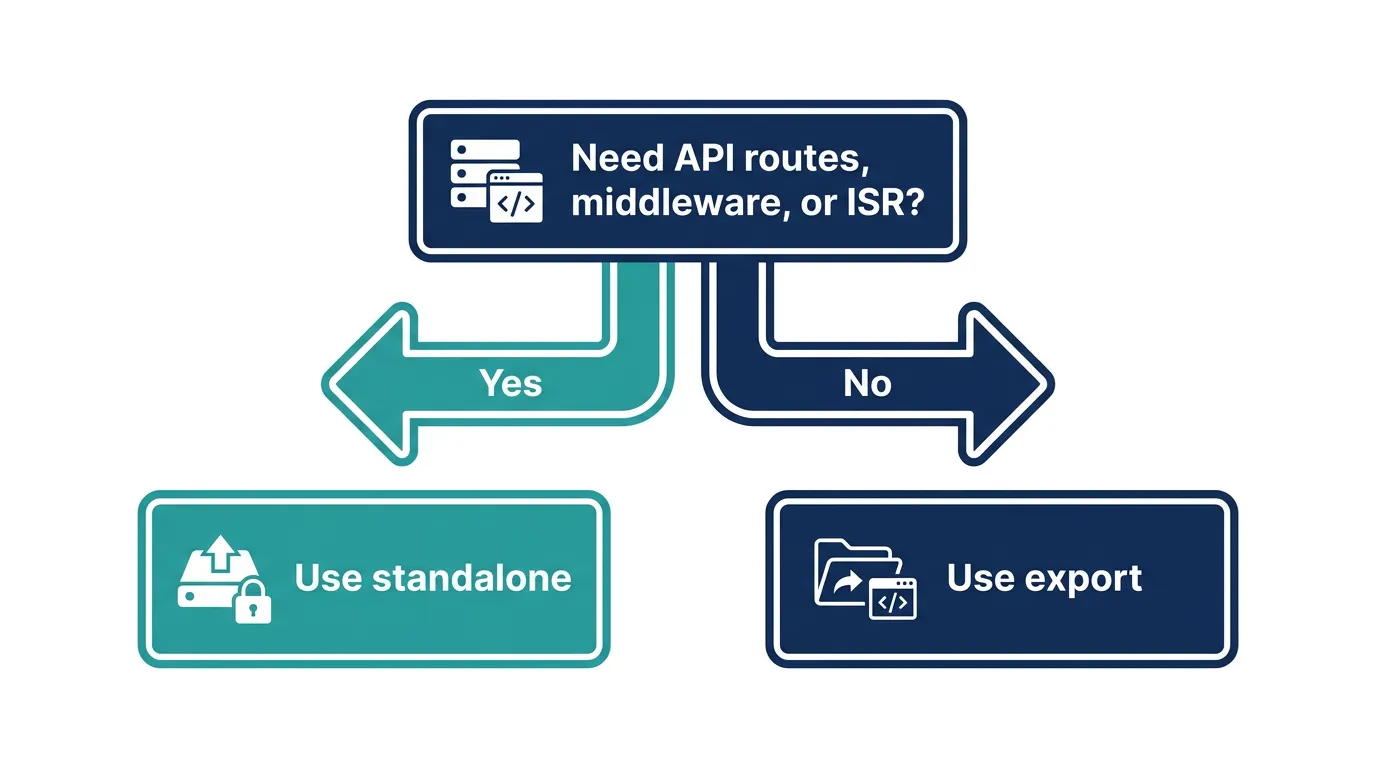
The decision usually comes down to one question: does any page in your app need to do something at request time that only a server can do?
- Pick
exportif your app is content that changes at build/deploy time, not at request time — a marketing site, documentation, a blog, or a dashboard that's fully data-fetched client-side against an external API. You get a static artifact that's trivial to host, cache aggressively, and reason about: a predictable file served from a predictable path. - Pick
standaloneif you have API routes, Server Actions, middleware-based auth or redirects, per-request personalization, or pages that need ISR to stay fresh without a full rebuild. Most apps that reach for Kubernetes or another self-hosted runtime fall into this bucket — the reason you're self-hosting in the first place is usually that you need the server.
A useful test: comment out your middleware.ts and every app/api/**/route.ts file, and ask whether the app still does its job. If yes, export is worth seriously considering. If the app falls apart without them, standalone isn't optional — it's the only mode that keeps the app working at all.
What Breaks When You Pick the Wrong One
Choosing export for an app that actually needs server features doesn't fail loudly at build time in every case — Next.js will tell you when a feature is flatly incompatible (API routes, Middleware), but subtler cases slip through. A dynamic route missing a path from generateStaticParams builds fine and 404s in production. An <Image> component left on the default loader renders broken images once deployed, because there's no Image Optimization endpoint behind a static export.
Choosing standalone when export would have worked isn't a correctness problem, but it's an operational tax: you're now running and monitoring a Node.js process (or a fleet of them) for an app that never needed one, with all the deployment surface area — health checks, restarts, resource limits — that a static file never asks for.
Running the Standalone Build in Production
If standalone is the right call, the build artifact expects a specific layout. A minimal Dockerfile stage looks like this:
COPY --from=builder /app/.next/standalone ./
COPY --from=builder /app/.next/static ./.next/static
COPY --from=builder /app/public ./public

EXPOSE 3000
CMD ["node", "server.js"]
Once you've picked standalone and built the image, the next wall is deployment — ingress, TLS, and the scaling plumbing that Vercel used to handle for you. Kubo runs that image on standard Kubernetes without the platform lock-in, so the container you just built is the same one that runs in production.
Can You Mix the Two?
Not within a single Next.js app and build. output is a single config value, so you can't export part of a route tree as static files while running the rest on a server from the same build. What you can do is split the app at the project level: a marketing site exported as static files sitting behind a CDN, and a separate Next.js app in standalone mode handling the authenticated, dynamic parts of the product. That's a deliberate architectural decision, not something either mode does for you automatically.
Where This Leaves Your Deployment
Neither mode is "more production-ready" than the other — they're built for different shapes of application, and the static export docs and standalone deployment docs are both first-class, maintained parts of Next.js. The mistake isn't choosing export; it's choosing it for an app that already depends on Middleware, Server Actions, or ISR, and then working around the gap with client-side fetches that quietly move logic (and latency) into the browser.
If you've gone through your API routes and middleware and still land on export, moving from Docker Compose to a container platform is largely unnecessary — a static host is simpler and cheaper for that shape of app. If standalone is the right call for your app, the next decision is how you ship that container: see how a production Helm chart is structured before you write your first deployment manifest, and if you're currently running containers with Docker Compose, this walkthrough on moving from Docker Compose to Kubernetes covers the gap between the two. Either way, wiring the build into CI is the same next step — a Kubernetes CI/CD pipeline with GitHub Actions is a reasonable template to start from.