
COLUMN
20/11/2026
Next.js Is a Framework, Not Just a Library: Why That Difference Dictates How You Deploy It
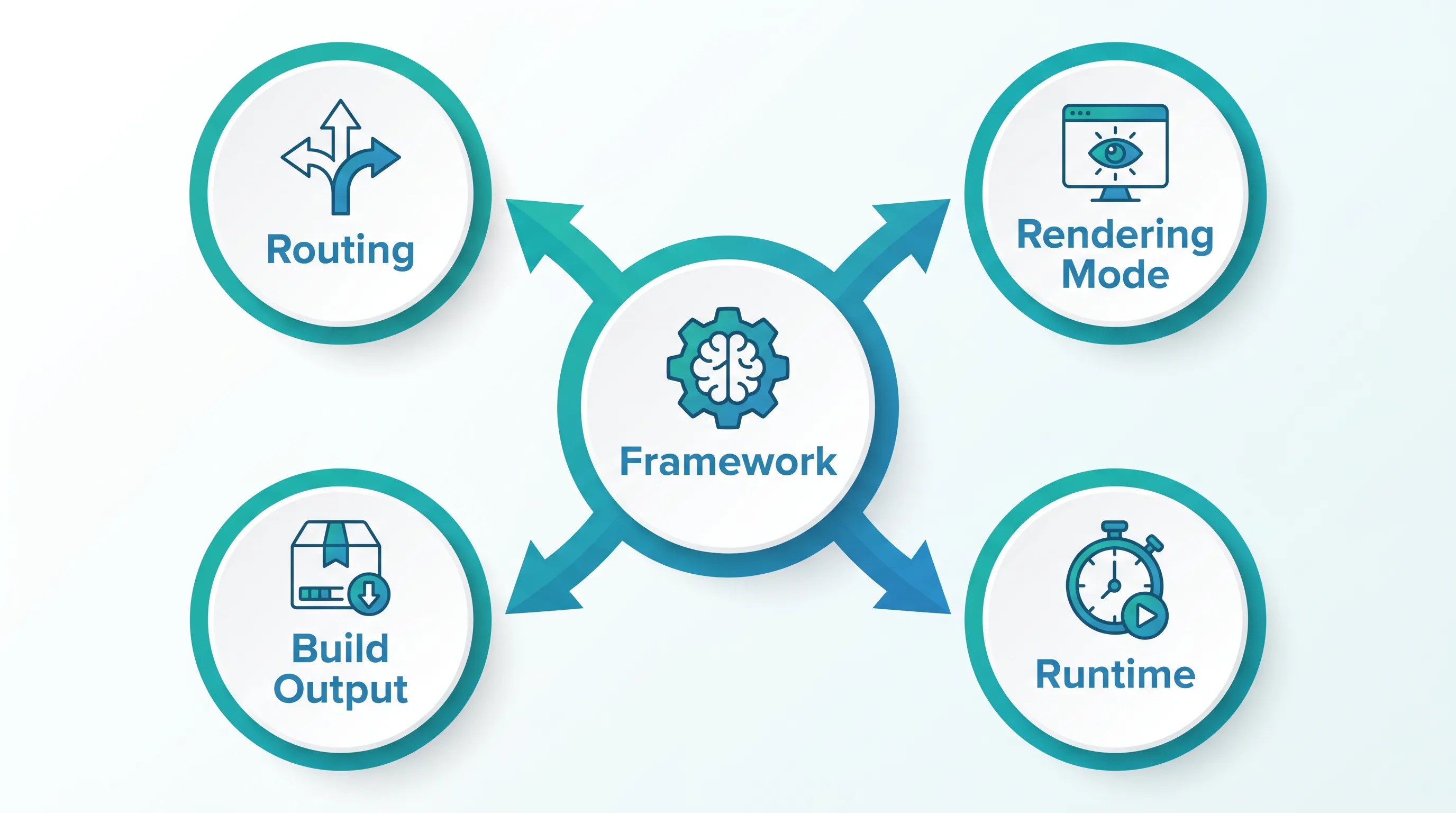
Type "is Next.js a framework or a library" into a search bar and you'll get a one-line answer: framework. What you won't get is why that distinction matters once you're the one running the thing in production, not just importing it into a component tree.
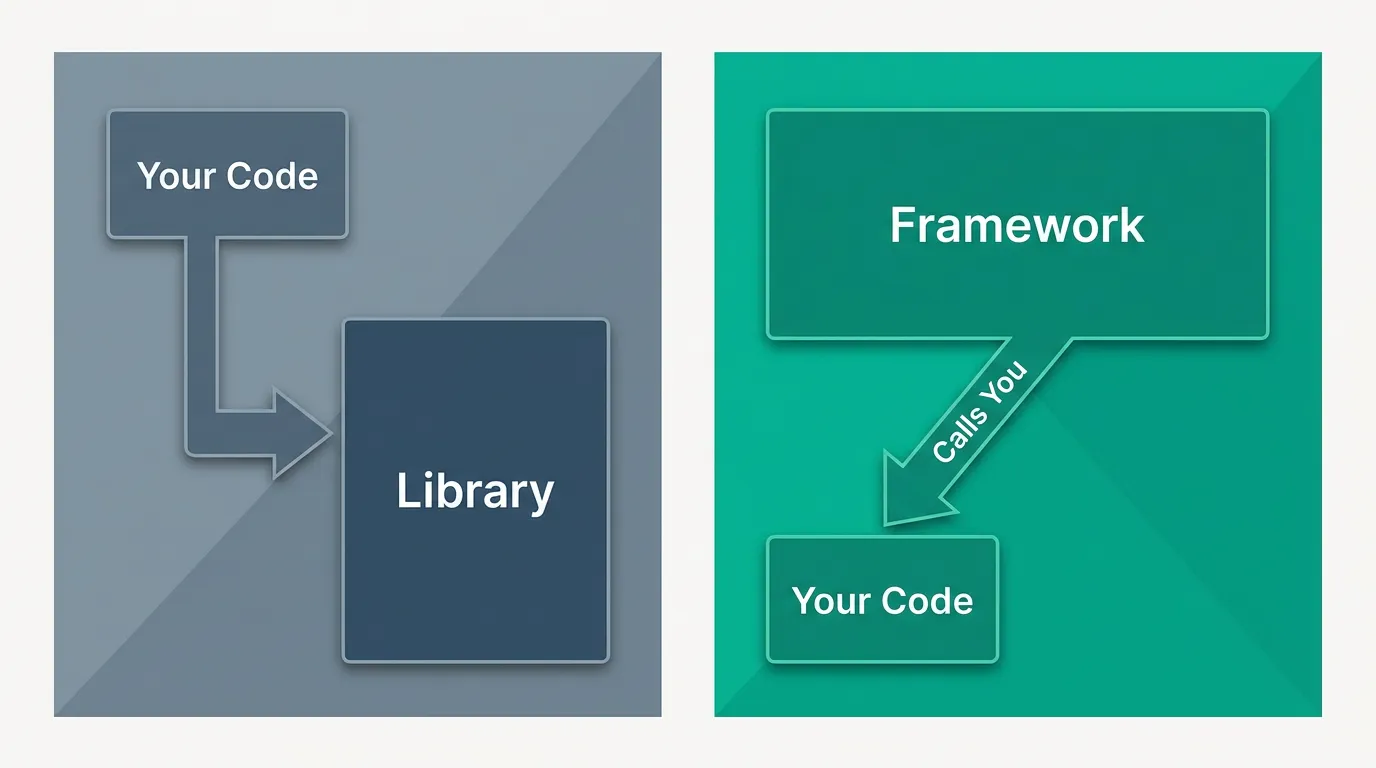
A library is something you call. You decide when to use useState, when to call fetch, how your files are organized, how requests get routed. A framework is something that calls you — it owns the control flow, and you fill in the blanks it leaves open. Next.js is squarely in the second camp: it decides your routing structure from your file tree, it decides how a page gets rendered (static, server-rendered, or streamed), and it decides what your build output looks like before a single container image gets built. Kubo exists because that last part — what happens after the framework's build step hands you an artifact — is where most self-hosting pain actually starts.
Why "framework vs. library" isn't just trivia
The practical test for "framework or library" is: who inverts control? With React alone, you write a render() call and React executes it when you tell it to. With Next.js, you write a file at app/products/[id]/page.tsx and Next.js decides when that route exists, what request it receives, and what rendering strategy applies to it by default. You never call a function named "render this route" — the framework's file-system convention does that for you.
That inversion of control is also what makes Next.js productive: you stop writing router configuration, bundler configuration, and server entry points by hand. However, it also means every one of those decisions the framework makes for you on Vercel has to be made by someone when you self-host. Vercel's platform is effectively the part of the framework's contract that lives outside your codebase — image resizing, edge caching, zero-config preview deployments, cron triggers. When you move off Vercel, you don't lose Next.js's opinions; you just inherit the job of satisfying them yourself.
What the framework decides, concretely
Three decisions matter most once you're thinking about deployment:
Build output shape. The output: 'standalone' setting in next.config.js tells Next.js to produce a self-contained .next/standalone folder with a minimal server.js and only the node_modules your app actually imports — not a library decision you make per-component, but a framework-level build contract you opt into once.
Rendering strategy per route. Whether a page is static, server-rendered on each request, or incrementally regenerated is decided by conventions in the route file (export const dynamic, generateStaticParams, revalidate) rather than by a runtime call you make. The framework reads your file and picks a rendering mode before your code ever executes.
Where code runs. The runtime export ('nodejs' or 'edge') in a route file determines whether that specific route executes in the full Node.js runtime or a restricted edge environment — again a declaration, not an imperative choice made inside a request handler.
Where this bites you in production
Because Next.js owns these decisions, self-hosting it means reproducing the parts of that contract Vercel used to fulfill silently. The most common place this surfaces is the build output itself: teams adopt output: 'standalone' expecting a drop-in deployable folder, then discover that static assets under public/ and the .next/static directory aren't copied into that folder automatically — the framework's docs are explicit that you have to copy them yourself before building a container image.
The same pattern repeats with caching. Next.js's Data Cache and Full Route Cache are framework-level mechanisms, not something your application code manages directly — on Vercel they're backed by Vercel's infrastructure, and when you self-host without configuring an equivalent, fetch calls that expect to be cached silently fall back to no caching at all. Multi-instance deployments add another layer: if you run more than one Next.js process (which is normal in any Kubernetes-style setup), on-demand revalidation triggered via revalidateTag or revalidatePath only invalidates the cache on the instance that received the request, because the in-memory cache isn't shared across processes by default.
None of this means Next.js made bad decisions. It means the framework's decisions were designed around a specific hosting assumption, and self-hosting means you have to either satisfy that assumption or explicitly route around it.
The practical checklist when you self-host
Treat these as the framework's "hand-off points" — the places where its decision stops and yours has to start:
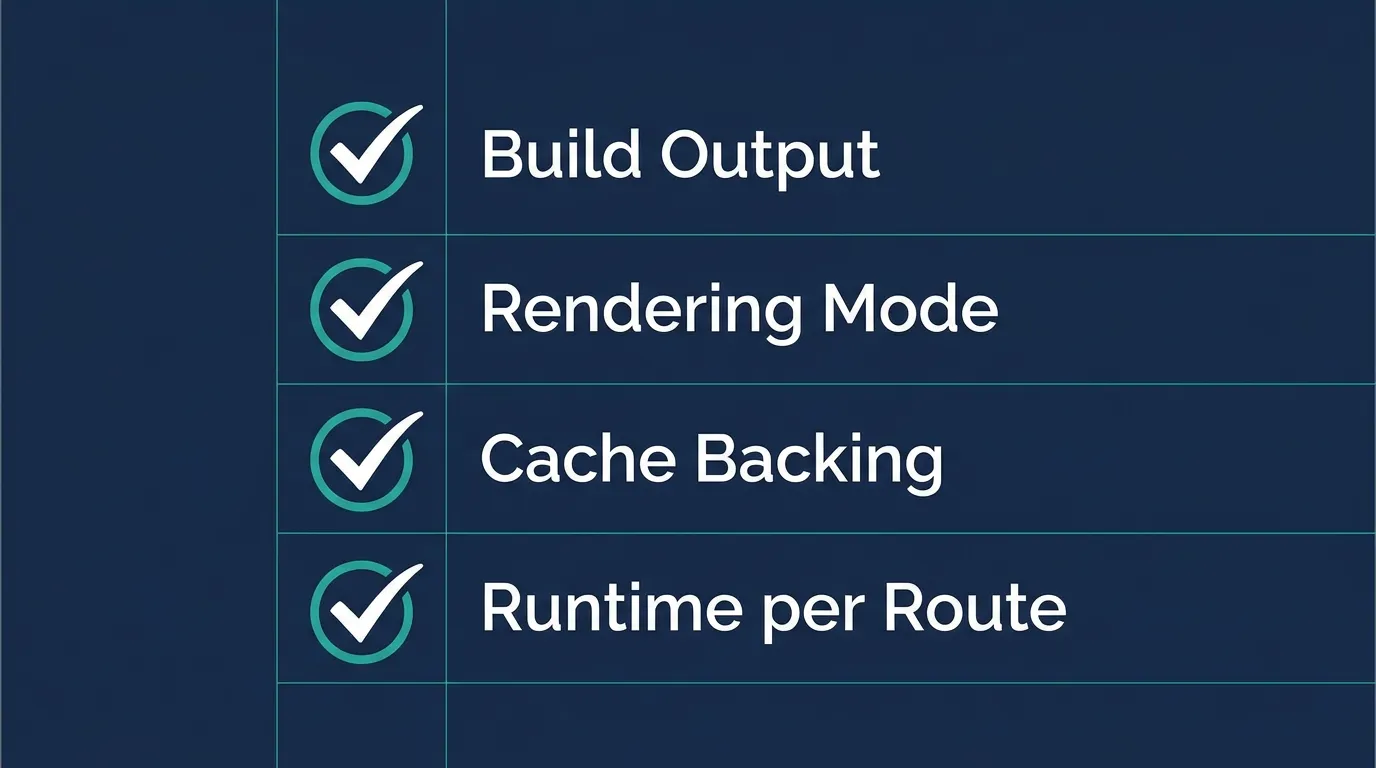
- Build output: confirm
output: 'standalone'is set, and copypublic/and.next/staticinto the standalone folder as part of your Docker build, not as an afterthought. - Rendering mode per route: audit
dynamic,revalidate, andgenerateStaticParamsexports so you know, route by route, whether you're serving static files, hitting your origin server on every request, or something in between — this determines your actual compute load, not your traffic numbers alone. - Cache backing: decide explicitly whether Data Cache and Full Route Cache need a shared backing store (like Redis) across instances, or whether per-instance caching is acceptable for your traffic pattern.
- Runtime per route: check which routes declare
runtime: 'edge'— those have different API availability (no native Node modules) and need to run somewhere that actually supports the edge runtime contract, which most container platforms don't provide out of the box.
Why this matters more once you leave a single server
A single long-running container hides some of this: one process means revalidation and in-memory caches behave consistently, because there's only one of them. The moment you run multiple replicas for resilience or throughput — which is the entire premise of moving off a single VPS onto an orchestrator — the framework's per-process assumptions about caching and revalidation stop matching reality, and you start seeing symptoms like one browser tab showing fresh content while another shows stale content from a different pod.
This is also where autoscaling interacts with Next.js's rendering decisions in a way that's easy to miss: a route that's statically generated barely touches CPU under load, while a route you've marked dynamic re-executes server-side logic on every single request, so your scaling trigger needs to reflect which rendering mode each route actually uses — not just raw request count.
The real decision isn't "framework or library"
Knowing Next.js is a framework doesn't change how you write a component. It changes what you should expect to configure explicitly once you're the one running it: build output copying, cache backing, runtime selection, and rendering mode per route. Vercel's platform made those decisions disappear; self-hosting makes them visible again, and the visible ones are exactly the ones worth auditing before you deploy, not after something breaks in production.
If you're past the point of running Next.js on a single VPS and are weighing how much Kubernetes you actually need to run it reliably across replicas, this K3s-vs-K8s comparison is a reasonable next read — it walks through the use-case split without assuming you need the heaviest option by default. And if cost is part of what's holding you back from moving off a single server, this look at what managed Kubernetes actually costs is worth reading before you rule it out.