
COLUMN
15/11/2026
Kubernetes Benefits Aren't Automatic: The Setup Behind Self-Healing and Zero-Downtime Deploys
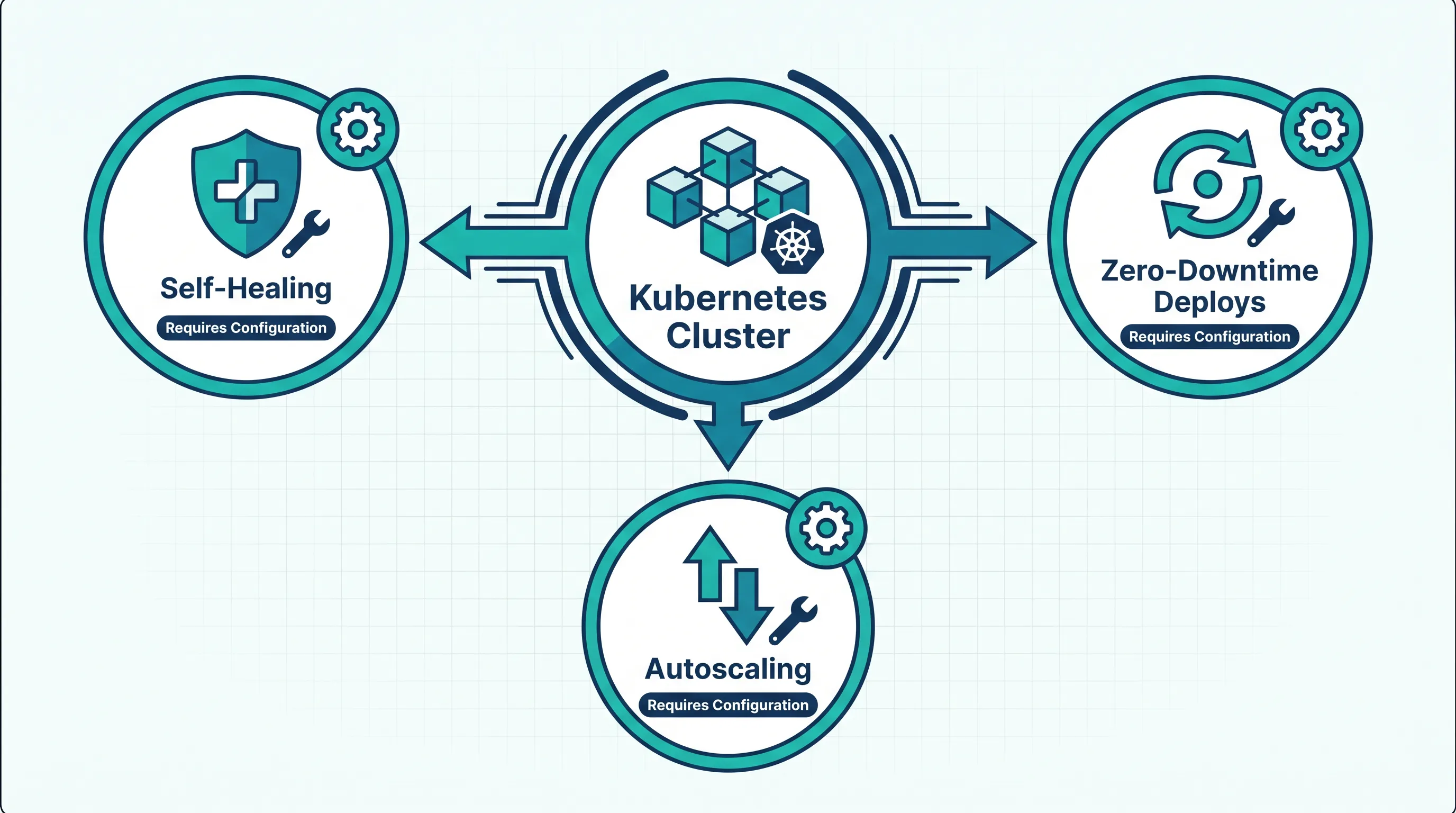
Kubernetes gets sold on three headline benefits: it heals itself, it scales itself, and it deploys without downtime. Teams adopt it expecting those properties to show up the moment kubectl apply succeeds. Then a pod gets stuck in a crash loop for ten minutes, a traffic spike takes the app down anyway, and a routine deploy drops a handful of requests. None of that is a bug. It's what Kubernetes does by default when nobody has configured the behavior the marketing promised.
This isn't an argument against Kubernetes. It's a list of what you actually have to set up before the three headline benefits are real, so you can budget the work instead of discovering it in production.
Self-healing only restarts what you've told it to check
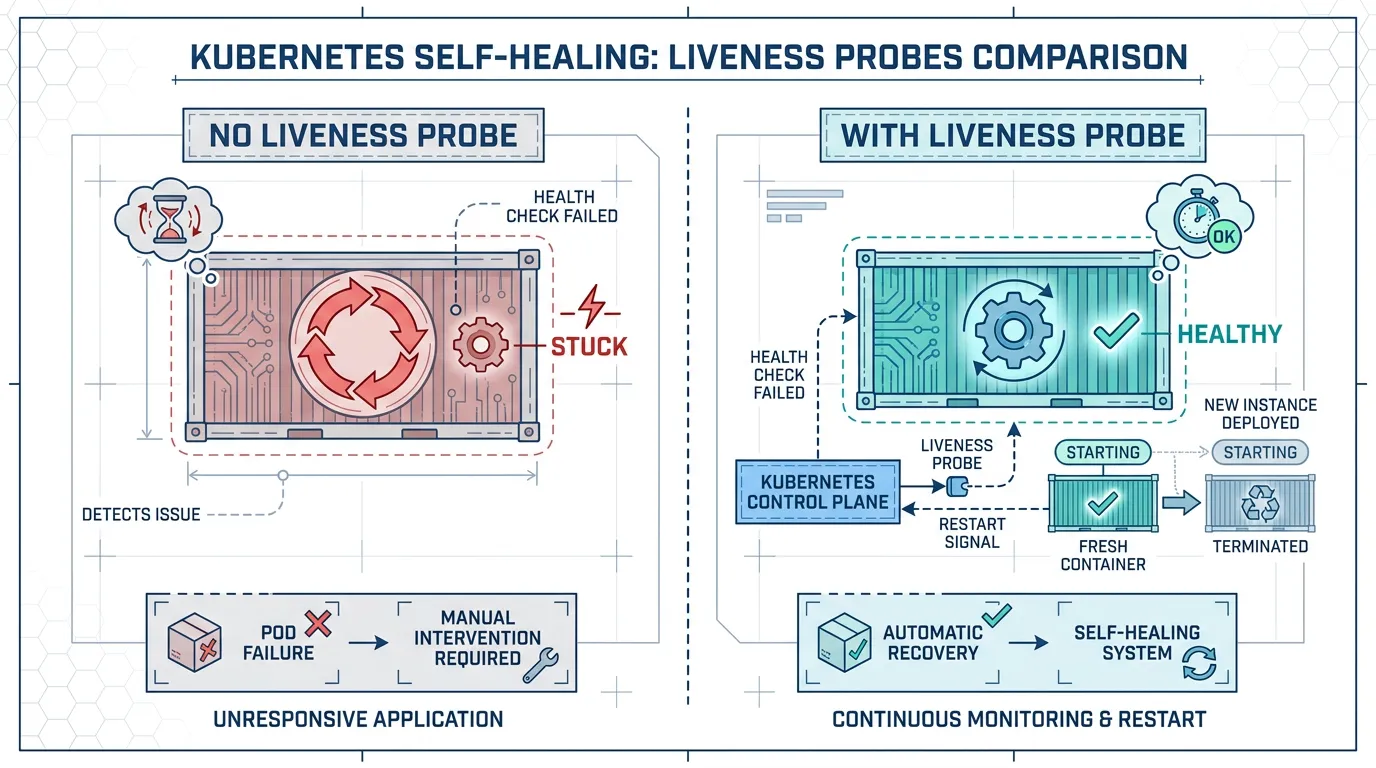
Kubernetes restarts containers that crash — that part is automatic. But "self-healing" usually means something broader: catch a process that's alive but stuck (an event loop deadlock, a database connection pool that's exhausted, a memory leak that hasn't OOMKilled the container yet), and replace it before users notice.
None of that happens without a liveness probe:
livenessProbe:
  httpGet:
    path: /healthz
    port: 3000
  initialDelaySeconds: 10
  periodSeconds: 10
  failureThreshold: 3
Without this block, a Next.js container that's technically running but no longer serving requests just sits there. Kubernetes has no way to know it's broken, so it does nothing. The "self-healing" platform needs you to define what "healthy" means for your app — and that definition has to be more specific than "the process didn't exit." A /healthz endpoint that only checks "is the server listening" won't catch a database that's gone unreachable; it has to actually verify the dependencies that make the app useful.
The same gap exists on the startup side. A container that takes 20 seconds to warm up a cache will get killed and restarted in a loop if the liveness probe starts checking before it's ready — self-healing turned against itself. That's what startupProbe is for: it holds off the liveness check until the app reports it's actually up.
Zero-downtime deploys require the app to cooperate with the rollout
The rolling update strategy is on by default, so a deploy doesn't take down all pods at once. That's not the same as zero-downtime. Two more things have to be true, and both are on your side of the line:
The app has to shut down gracefully. Kubernetes sends SIGTERM to a pod before removing it, then waits — by default 30 seconds — before force-killing it. If your app doesn't handle SIGTERM by finishing in-flight requests and closing connections cleanly, those requests just get cut off mid-response. That's a dropped request during every single deploy, which looks a lot like downtime to the user who hit it.
The readiness probe has to be honest. Kubernetes won't send traffic to a new pod until its readiness probe passes, and won't remove an old pod from the load balancer until the new one is ready — but only if you've defined readinessProbe at all. Skip it, and Kubernetes assumes a pod is ready the instant it starts, before the app has finished loading its config or warming its connections. The rollout proceeds on a lie, and users hit a pod that isn't actually able to serve them yet.
readinessProbe:
  httpGet:
    path: /ready
    port: 3000
  periodSeconds: 5
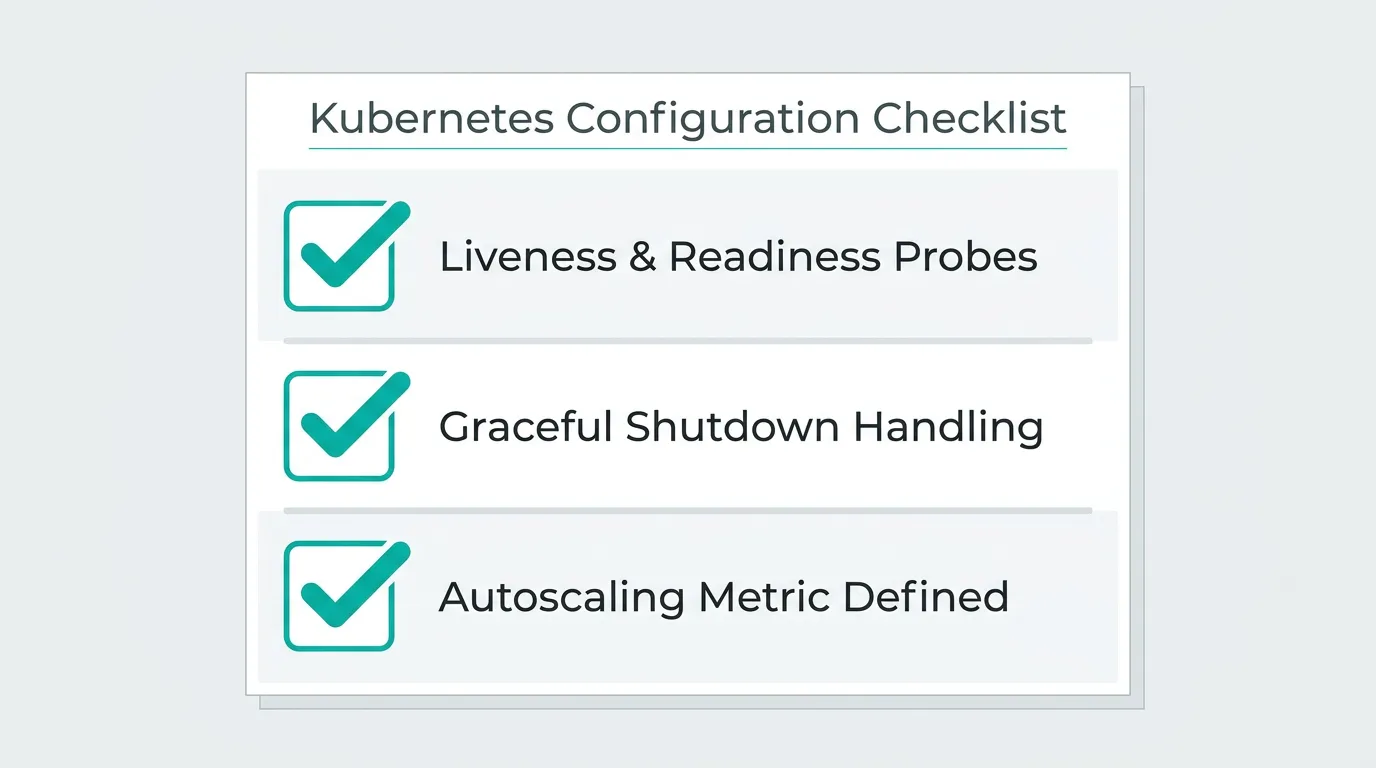
Put together, a deploy that's actually zero-downtime needs: a readiness probe that reflects real state, a graceful shutdown handler, and a terminationGracePeriodSeconds set long enough for your slowest in-flight request to finish. None of those three come from installing Kubernetes — they come from writing them.
Autoscaling needs a signal to scale on, and someone has to pick it
The Horizontal Pod Autoscaler watches a metric and adds or removes pods to keep it in range. The part that's easy to miss: HPA ships with nothing to watch by default. You have to install a metrics pipeline, define the target metric, and set thresholds that match how your app actually behaves under load — CPU-based scaling reacts well to compute-bound work, but a Next.js app waiting on a slow upstream API can be CPU-idle while fully overloaded on concurrent connections, in which case CPU-based autoscaling never fires. Kubo's guide to configuring HPA, VPA, and KEDA covers the setup work that has to happen before autoscaling reacts to the load you actually have, including event-driven scaling for workloads that aren't CPU-bound at all.
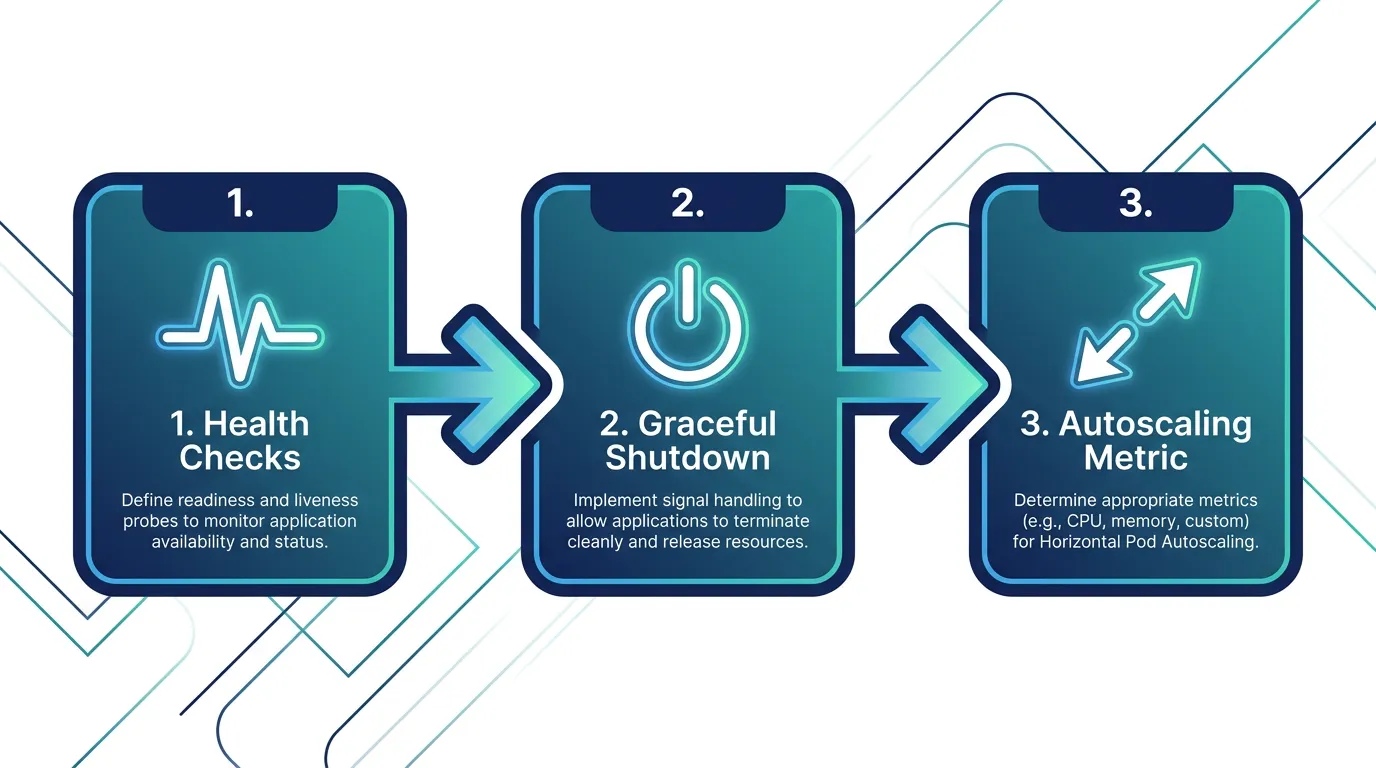
This is where most teams underestimate the lift. Getting these three behaviors right — health checks tuned to your app, graceful shutdown wired into your code, and an autoscaling metric that matches your actual bottleneck — is Kubernetes operations work, not a Kubernetes feature you turn on. If you're weighing whether to take that on yourselves or run it on a platform that ships sane defaults for probes and scaling, Kubo gives you standard Kubernetes with that groundwork already in place, so the configuration is a starting point you adjust rather than a blank page.
The parts that are genuinely free
To be fair to Kubernetes: some of this really is automatic, and it's worth knowing where the line sits.
- Pod rescheduling when a node dies is automatic — the scheduler finds another node and starts the pod there, no configuration required.
- Service discovery between pods is automatic — a
Servicegives you a stable DNS name and load-balances across pod replicas without you writing anything. - Rolling updates not deleting all pods simultaneously is automatic —
maxUnavailableandmaxSurgedefault to sane values even if you never touch them.
What's not automatic is everything that depends on your app's specific behavior: what "healthy" means, how your app responds to a shutdown signal, and which metric actually represents load for your workload. Kubernetes gives you the primitives — probes, rolling updates, HPA — but the values only work with the right configuration.
Before you plan the migration, plan the configuration
If you're deciding whether Kubernetes is worth adopting, the self-healing and zero-downtime pitch is usually part of the case. That pitch is accurate, but only after the probes, shutdown handling, and scaling metrics are in place — which means the real adoption cost includes that configuration work, not just the cluster itself. Deciding how many environments you actually need is part of the same planning: each environment needs its own tuned probes and thresholds, so more environments means more of this configuration to maintain, not less.
It's also worth sequencing the work: self-healing and clean rollouts are usually easier to get right first, since they live entirely in your deployment manifest and app code. Autoscaling tends to come after, once you've watched real traffic and know which metric actually tracks your load. Trying to tune all three at once, under production traffic, is how teams end up blaming "Kubernetes" for behavior they never configured in the first place. The same discipline applies to locking down traffic with network policies — another benefit people assume ships by default and that actually requires an explicit policy before anything is restricted.
None of this is a reason to skip Kubernetes. It's a reason to budget for the configuration work as part of the decision, not as a surprise after the cluster is already running. If you're a solo developer or running a side project, the Ashigaru plan starts at ¥8,800/month; most small teams land on Ronin at ¥17,600/month. Compare the plans and start with the one that matches the workload you're actually tuning these settings for.