
COLUMN
14/11/2026
Your Next.js Standalone Build Deployed Fine, But CSS and Images Return 404
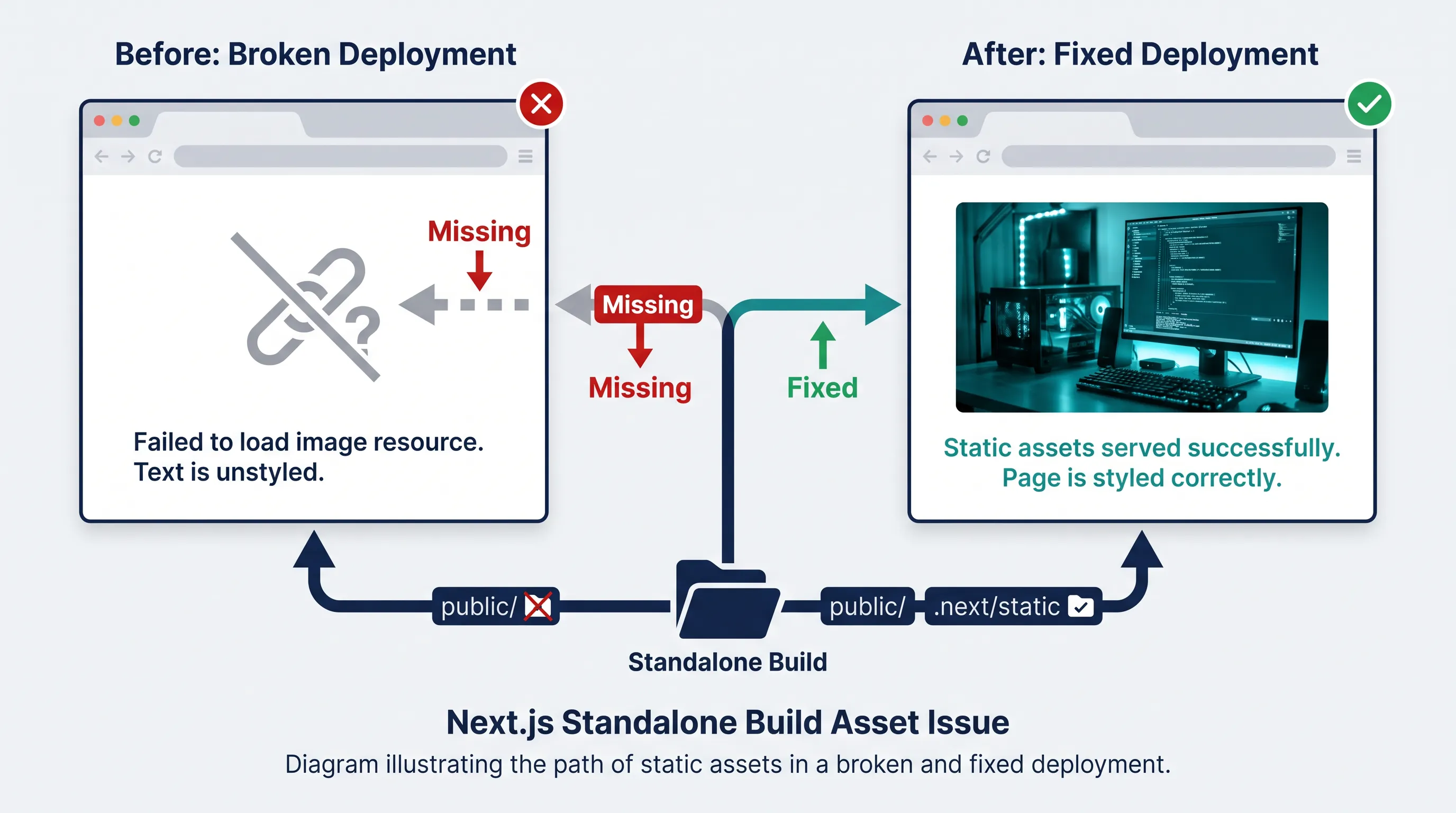
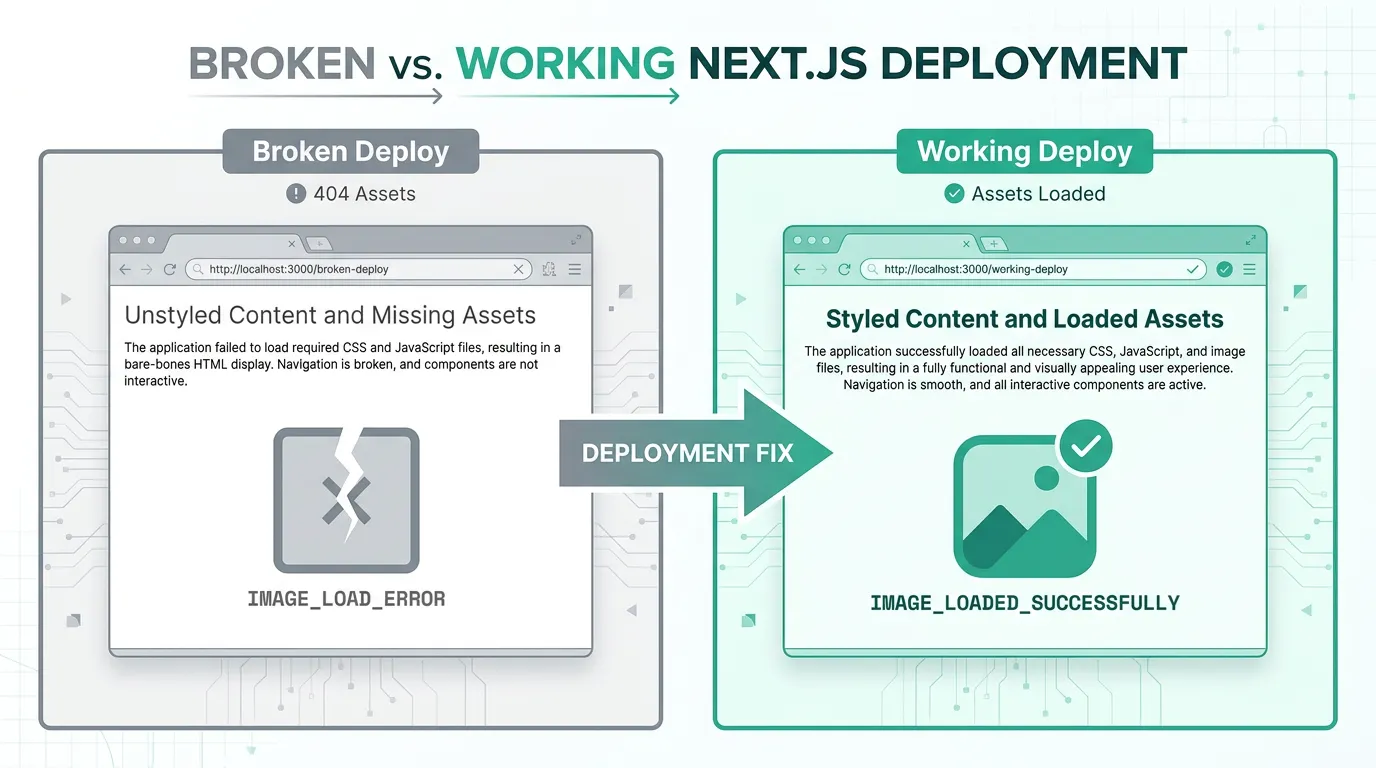
You build your Next.js app with output: 'standalone', copy the output folder into a container, run node server.js, and the server starts without a single error in the logs. Then you open the page in a browser and it looks like the stylesheet never loaded: unstyled text, broken layout, <img> tags showing the alt text instead of the image. The build succeeded. The server is running. The assets are just gone.
This is one of the most common surprises for teams self-hosting Next.js for the first time, and it happens because output: 'standalone' copies less than you'd expect — on purpose.
Why the standalone build looks incomplete
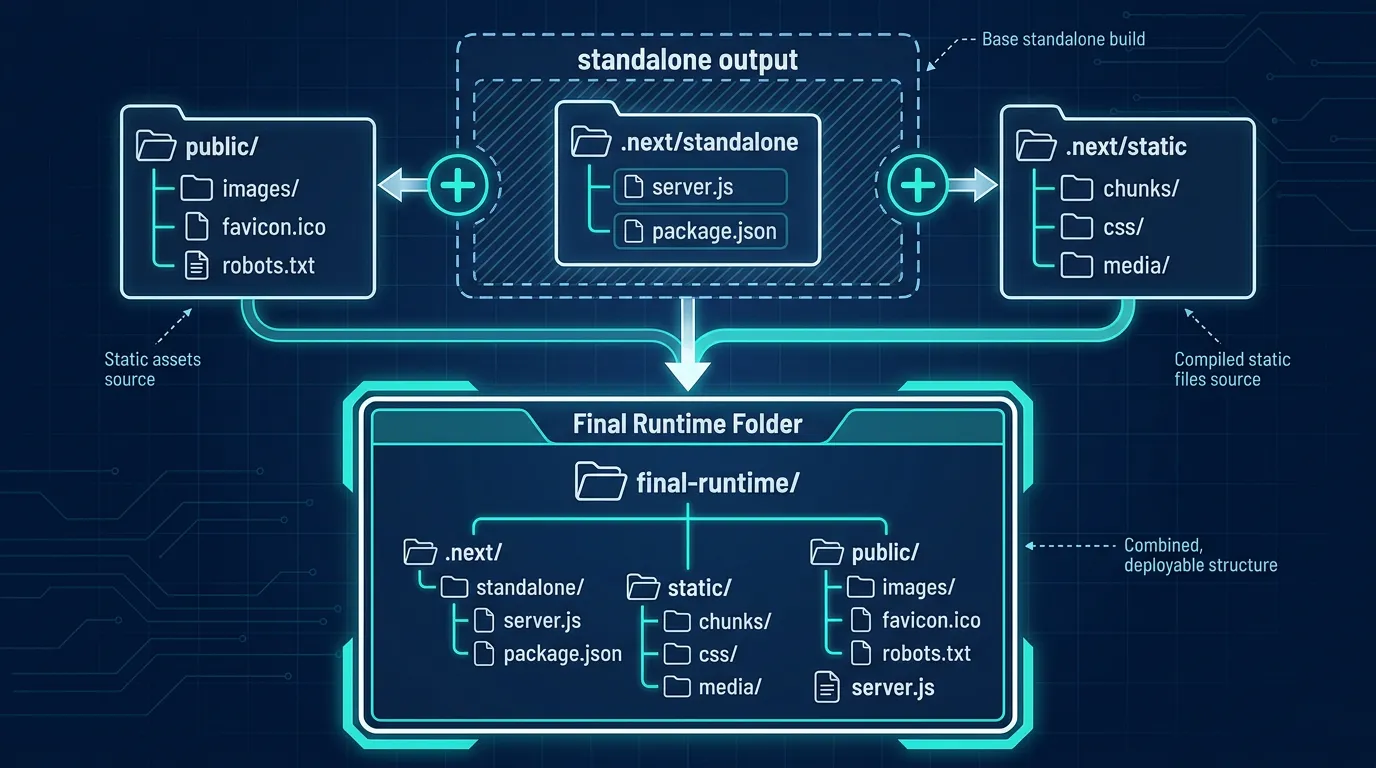
Next.js's standalone output is built around file tracing: it inspects your server code, follows every require/import it actually touches at runtime, and copies only that dependency subset (plus a minimal server.js) into .next/standalone. That's what makes the output small enough to ship in a slim container instead of dragging your entire node_modules along with you.
But two directories sit outside that tracing step entirely:
public/— your static assets (images, fonts,favicon.ico, anything served as-is). Nothing in your server coderequires these files, so the tracer never sees them..next/static/— the hashed, client-side JS and CSS bundles the browser downloads directly. These are requested by the browser, not by your Node server process, so they're invisible to a trace built from server-side execution.
The Next.js docs on output: 'standalone' are explicit about this: both folders have to be copied manually after the build. It's easy to miss because next build doesn't warn you, and next start (without standalone) papers over it entirely — which is exactly why this usually surfaces only after a team already has standalone output working in one environment and then moves to self-hosting it somewhere new.
Confirming this is actually your problem
Before changing anything, verify the symptom matches. Open your browser's network tab and reload the broken page. You'll typically see one of two patterns:
- Requests to
/_next/static/...returning 404 - Requests to files under
public/(like/logo.pngor/favicon.ico) returning 404
If instead you're getting 403s, CORS errors, or the requests succeed but render wrong, the cause is different — likely a reverse proxy stripping headers or a basePath mismatch, not a missing-files problem. This article is specifically about the "the file simply isn't there" case.
The fix: copy both folders after the build
After next build finishes, your .next/standalone directory has everything needed to run the server, but it's missing the two folders above. You need to copy them in yourself, after the build and before you start the server:
## run from your project root, after `next build` completes
cp -r public .next/standalone/public
cp -r .next/static .next/standalone/.next/static
If you're building inside a Dockerfile, the equivalent is a couple of extra COPY instructions in your final build stage:
## ---- builder stage ----
FROM node:20-slim AS builder
WORKDIR /app
COPY . .
RUN npm ci && npm run build

## ---- runner stage ----
FROM node:20-slim AS runner
WORKDIR /app
ENV NODE_ENV=production

COPY --from=builder /app/.next/standalone ./
COPY --from=builder /app/.next/static ./.next/static
COPY --from=builder /app/public ./public

EXPOSE 3000
CMD ["node", "server.js"]
The order matters a little: copy .next/standalone first, then layer public and .next/static on top of it, so you don't accidentally overwrite them if your standalone output and your source tree share folder names.
Why it's easy to get this wrong in CI
A few variations on this mistake show up repeatedly once teams move past a local Docker test and into a real CI/CD pipeline:
- Copying from the wrong working directory. If your build step runs in a different working directory than your Docker build context (common with monorepos or when
next buildhappens in a CI job that's separate from the image build job), thepublicand.next/staticpaths you're copying from may not exist where you think they do. - Caching the build output without caching both folders. If your pipeline caches
.next/standaloneto speed up repeat builds but doesn't also cache or regenerate.next/staticon every build, you can end up running a server whose hashed static assets don't match the HTML it's serving — assets 404 because the filenames themselves changed. - Multiple apps in one monorepo. With Turborepo or Nx-style monorepos, Next.js's
outputFileTracingRootneeds to point at the monorepo root, or tracing can miss workspace dependencies and produce a standalone build that's broken in a less obvious way than a missingpublicfolder. - A CDN or
assetPrefixin front of.next/static. If you serve static assets through a separate CDN origin, double check thatassetPrefixinnext.config.jsmatches where you actually copied.next/staticto — otherwise the HTML will reference a path your CDN origin was never given.
None of these are exotic; they're the normal friction of moving a Next.js build out of "it works when I run it locally" and into a repeatable, automated pipeline.
This is the broader pattern with self-hosting Next.js
Standalone output is a good default for self-hosting — it's smaller, starts faster, and avoids shipping a full node_modules tree into production. But it trades one kind of simplicity (just run next start) for a different kind of responsibility: you now own the handful of steps that used to be invisible. Kubo exists for teams who've hit exactly this point — the build works, but every environment now needs the same Dockerfile, the same two COPY lines, the same static-asset path, done identically in dev, staging, and production, instead of being reinvented per pipeline.
It's a small gap on paper, but it's representative of what self-hosting a Next.js app for real traffic actually involves. Once a container is routinely missing static files or TLS or health checks depending on who wrote the deployment script that week, teams start looking at whether a standard runtime underneath — Kubernetes — is worth the move. One useful gut check before that move: the reality of managed Kubernetes pricing, since "full-managed" EKS/AKS billing is often what makes teams hesitate, even when the orchestration itself would solve problems like this one for good.
And if this feels like a familiar shape of bug — something that worked in one environment and silently broke the moment you moved it to another — it's not unique to Next.js. The same class of surprise shows up any time infrastructure assumptions change underneath an app that "already worked": for example, a volume that worked fine in Docker Compose throwing permission errors the moment it moved to K3s. The lesson in both cases is the same — moving a working build between environments means re-verifying the assumptions the previous environment was quietly making for you.
A quick checklist
If your self-hosted Next.js build is 404ing on CSS, fonts, or images after a standalone build:
- Confirm you're actually using
output: 'standalone'innext.config.js - Check that both
public/and.next/static/were copied into the final runtime image — not just.next/standalone - Verify the copy happened after the build step that generated
.next/static, not from a stale cache - If you use
assetPrefixor a CDN, confirm it points at wherever.next/staticactually ended up - For monorepos, check
outputFileTracingRootis set correctly
If you're weighing whether to keep patching Dockerfiles like this one-off per project, or standardize the setup once across every app your team ships, that's worth a slower look — but the fix above is enough to get your current deploy unstuck today.