
COLUMN
29/11/2026
What Next.js Actually Does in Production: App Router, Server Components, and the Infrastructure Behind Them
What "Next.js" Actually Means Once You Deploy It
Most explanations of Next.js start and end with the same pitch: it's a React framework with file-based routing, built-in optimizations, and both static and server rendering. That's accurate, but it describes the feature list, not what the framework is doing on your behalf once a request hits production.
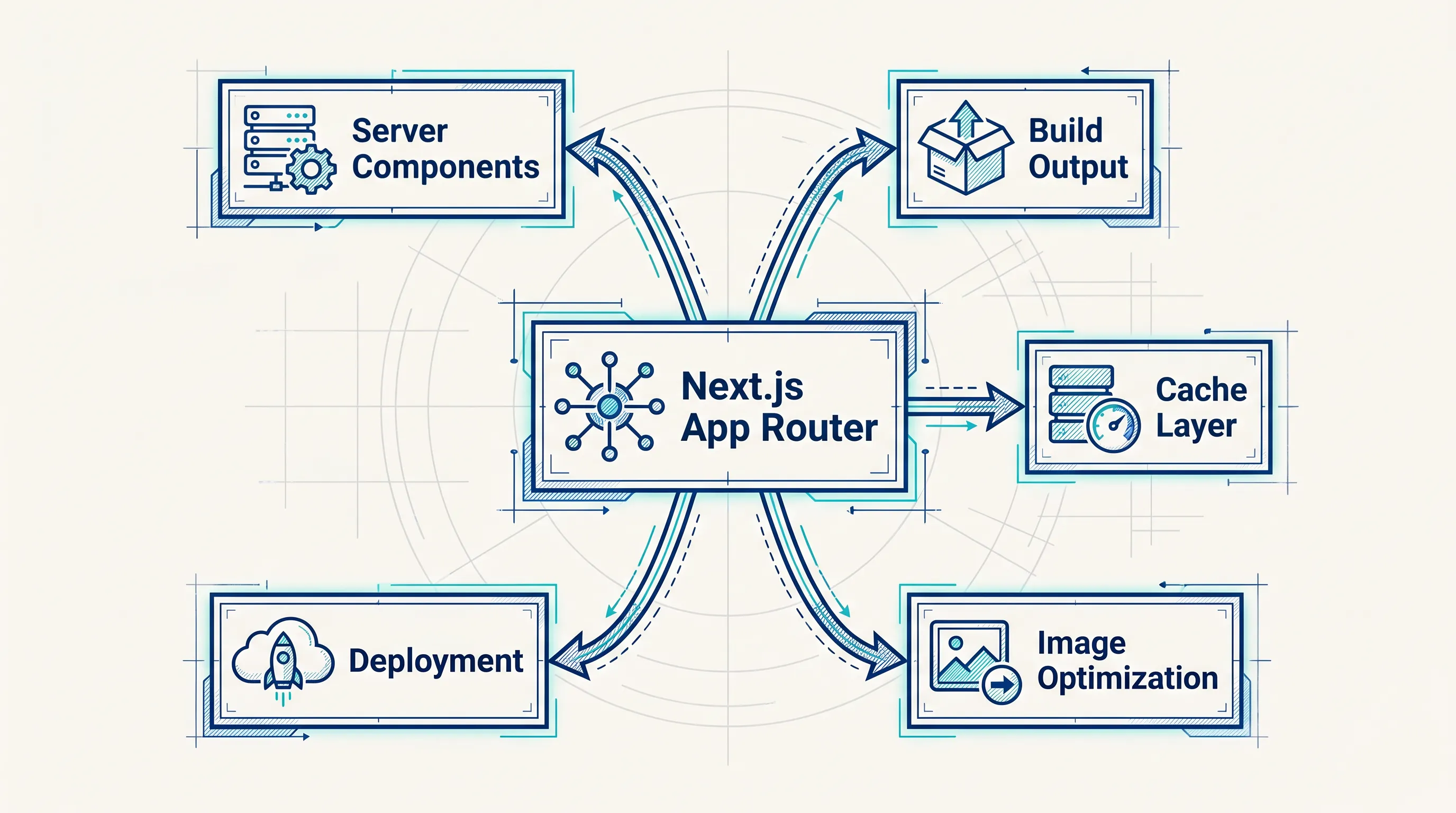
The gap matters because most developers meet Next.js through Vercel, where build output, caching, and image processing are invisible — they just work. The moment you run next build and next start yourself, on your own server or inside a container, those same features stop being abstractions and start being infrastructure you're responsible for. This is what "Next.js in production" actually refers to: App Router rendering, the build artifact it produces, and the handful of platform behaviors that Vercel normally absorbs for you.
Server Components: Where the Rendering Work Happens
By default, every layout and page in the App Router is a Server Component. Server Components fetch data and render markup on the server, so secrets like API keys never reach the browser, and large dependencies never ship as client JavaScript. Interactive pieces — anything using useState, onClick, or browser APIs — opt into client rendering with the "use client" directive, which marks a boundary rather than a single file: everything that component imports and renders directly is bundled for the client too.
What actually crosses the network between server and client isn't HTML or JSON in the usual sense. It's the React Server Component Payload (RSC Payload) — a serialized tree that contains the rendered output of Server Components plus placeholders for where Client Components should mount. The browser uses this payload to reconcile the tree and then hydrates only the Client Components, attaching event handlers to otherwise-static markup. On every later navigation inside the app, that same payload is what gets prefetched and cached for instant transitions, according to Next.js's own Server and Client Components documentation.
None of this requires Vercel specifically. It's how the App Router renders everywhere. What changes outside Vercel is who configures the pieces around it.
What next build Actually Produces
Setting output: 'standalone' in next.config.js tells Next.js to trace exactly which files each route needs and copy them, along with a minimal node_modules, into a self-contained .next/standalone folder — enough to run the app without a full npm install on the target machine, per the output configuration reference. That folder is also what most Next.js Docker examples copy into the final image stage.
Two details catch teams off guard the first time they build this way themselves:
- The build ID matters across containers. Next.js generates a build identifier during
next buildto mark which version is running. If every environment rebuilds independently, you'll get a different ID per container unless you fix it — usually to a git hash — withgenerateBuildIdinnext.config.js. - Server Functions need a shared encryption key. Closure variables from Server Functions are encrypted with a key that's generated fresh per build by default. Run more than one server instance from separate builds and one instance can't decrypt what another encrypted, which surfaces as a confusing "Failed to find Server Action" error. The fix is setting
NEXT_SERVER_ACTIONS_ENCRYPTION_KEYexplicitly, as described in the self-hosting guide.
Neither of these is a bug. They're decisions Next.js leaves to whoever owns the deployment — which, on Vercel, is Vercel.
What a Managed Platform Is Actually Doing For You
Next.js's own self-hosting guide is unusually direct about this trade-off. A few examples, straight from the official self-hosting documentation:
- Image Optimization through
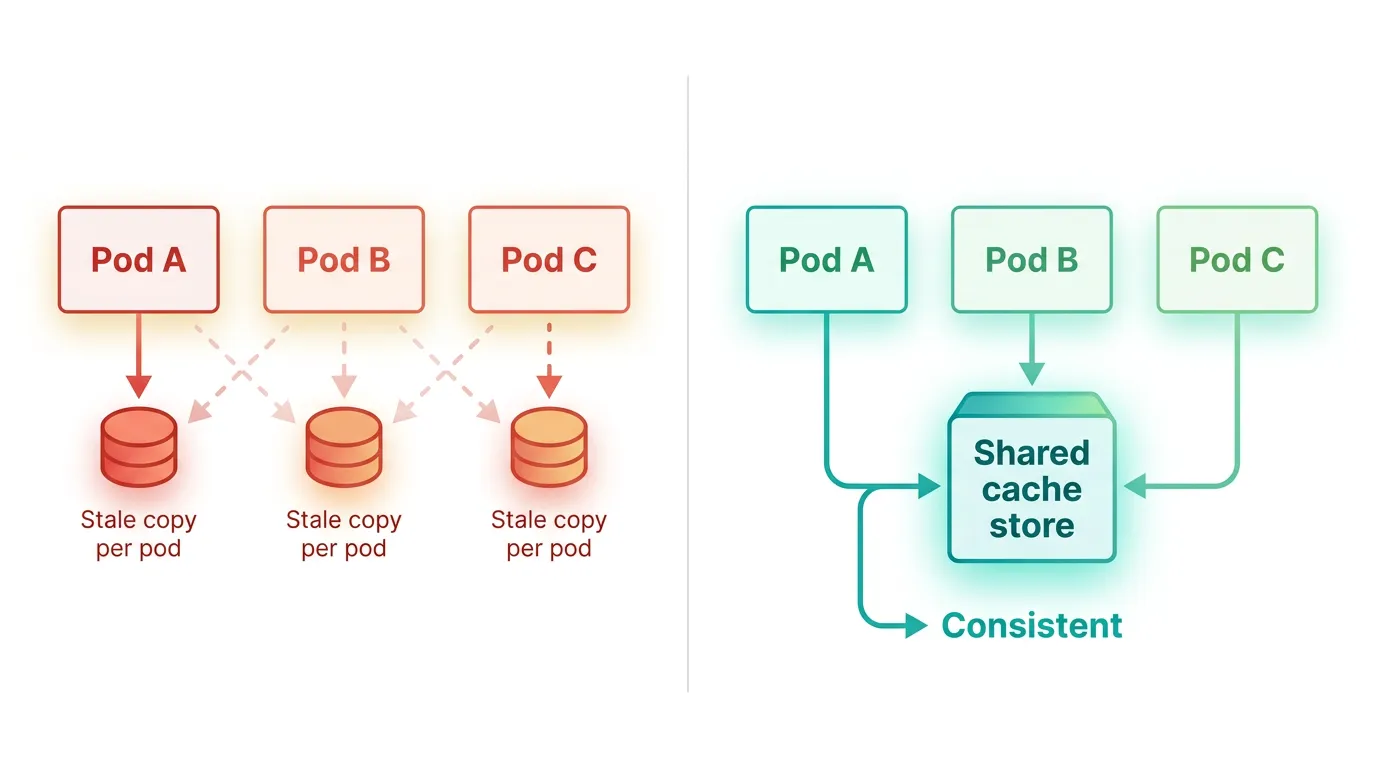
next/imageworks with zero configuration undernext start— but on glibc-based Linux, it may need extra memory-allocator tuning, and installingsharpis recommended for production performance. - ISR and the data cache are stored on local disk by default, which is fine for a single long-lived instance. Run multiple instances or ephemeral containers, and you need a shared cache handler (Redis or similar) — otherwise each pod quietly serves its own stale copy.
- Streaming responses need the whole request path to cooperate. Behind nginx, you disable response buffering explicitly (
X-Accel-Buffering: no); behind a load balancer, you confirm it supports chunked transfer encoding, since some managed load balancers buffer by default. revalidateTag()only invalidates the cache on the instance that calls it. Coordinating that across a multi-pod deployment is exactly what broke multi-instance cache consistency for one of our own Kubernetes workloads until a shared handler was wired in.
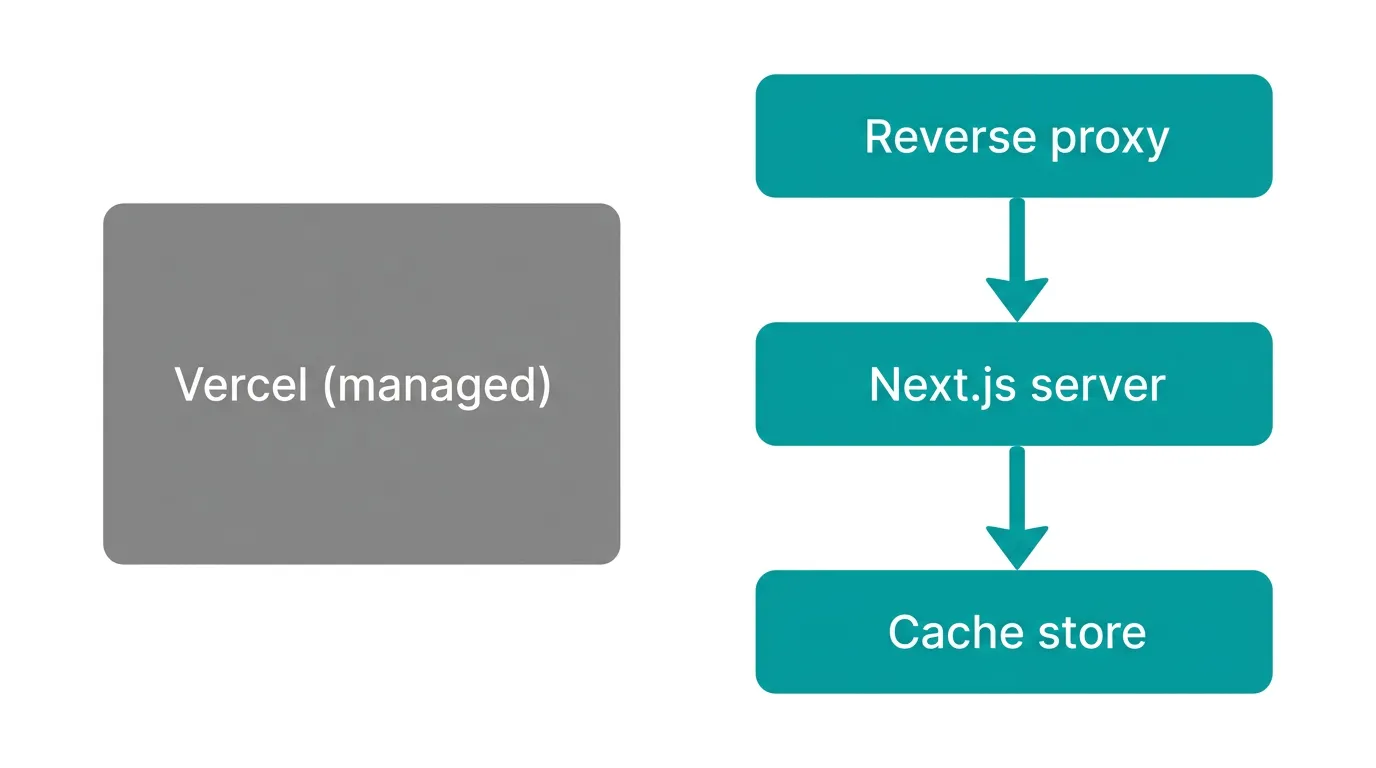
If you're weighing whether to put in the work above yourself, the pattern is worth naming plainly: every item on this list is infrastructure, not application code. Kubo exists for teams who want the standard-Kubernetes result — a reverse proxy, cache storage, autoscaling, no vendor lock-in — closer to Vercel's "it just works" experience, without re-deriving each of these configuration details from the docs by trial and error.
Packaging, Shipping, and Watching It in Production
Once the build and cache questions are settled, the remaining work is operational: getting the container built and deployed repeatably, and knowing when something's wrong before a user tells you.
Packaging a Next.js standalone build as a Helm chart is a reasonable default once you're running more than one environment — it turns replicas, resources, and secrets into values instead of hand-edited manifests. Our Helm chart development guide covers the structure that holds up as a chart grows past a single service.
For getting a new image out automatically on every push, a GitLab CI/CD pipeline that builds and deploys the container replaces the manual docker build && kubectl apply loop most teams start with.
And since none of the caching or rendering behavior above fails loudly — stale ISR pages and silently-dropped streaming both look like "the app is just a bit slow" — it's worth having metrics in place before you need them. Our guide to monitoring Kubernetes with Prometheus is the starting point we point teams to.
From "What Is Next.js" to "How Do I Run It"
The honest answer to "what is Next.js" depends entirely on which half of the stack you're asking about. As a framework, it's React with server rendering, file-based routing, and a rendering model that pushes as much work to the server as it can. As a production system, it's a build artifact, a cache layer, and a set of assumptions about your network path that Vercel satisfies automatically and that a self-hosted deployment has to satisfy on purpose.
Most teams don't need to make this decision until the Vercel bill or a compliance requirement forces the question. But understanding what's actually happening under next build and next start makes that decision a lot less mysterious when it arrives — whether you stay on a managed platform or move the App Router onto your own Kubernetes cluster. When you're ready to turn that standalone build into something repeatable, our guide to packaging it as a Helm chart is the natural next read.