
COLUMN
03/10/2026
Next.js Security Headers in Production: CSP, HSTS, and What next.config.js Won't Do for You

A missing Content-Security-Policy header doesn't show up in next build output. It shows up in a pentest report, or worse, in a browser console after launch, when someone points out that your app has no defense against a stray third-party script. Next.js gives you everything you need to ship production-grade security headers — it just doesn't set most of them for you.
This guide covers what next.config.js actually ships by default, how to add the headers it doesn't, and where a nonce-based CSP fits once you're running Next.js outside of a platform that configures this for you.
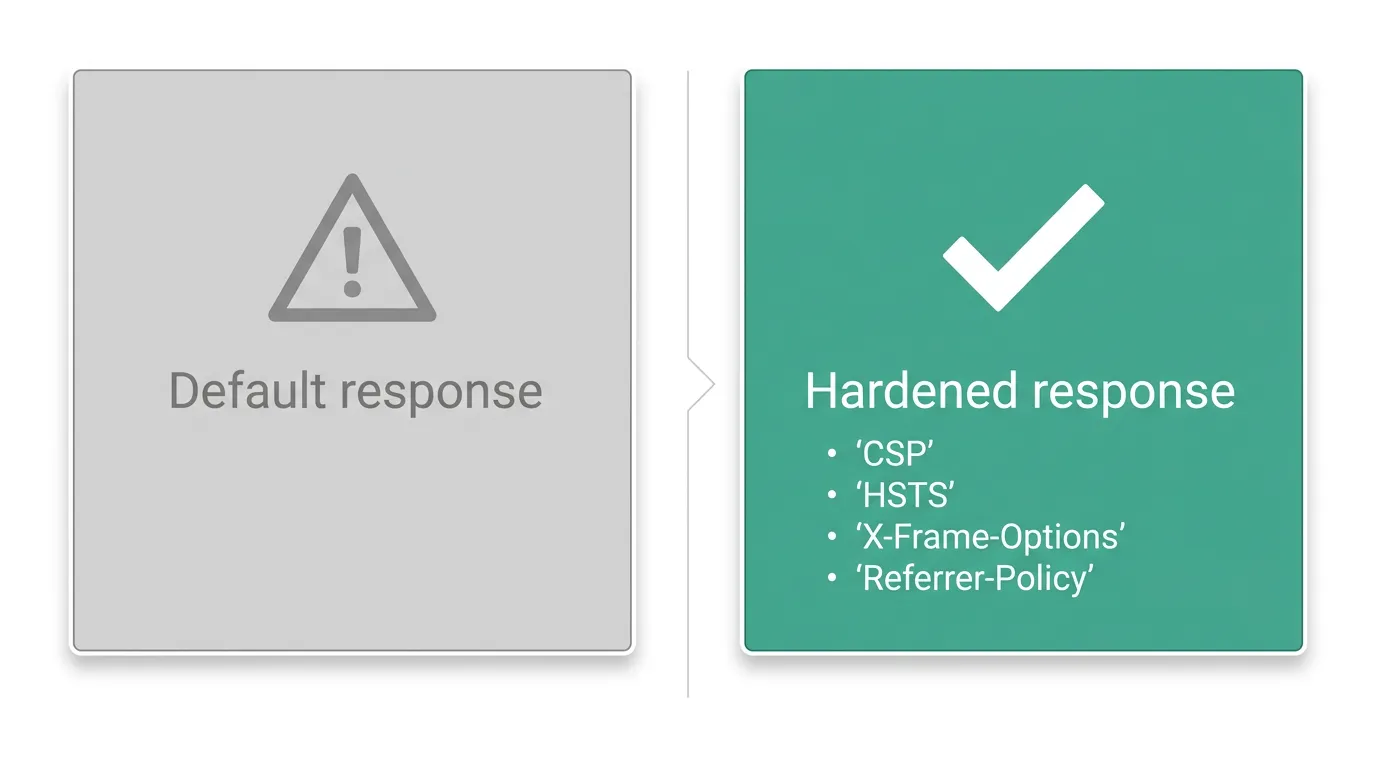
What next.config.js actually sets for you
Out of the box, Next.js sets very few security-relevant headers. It will strip the X-Powered-By: Next.js header if you turn off poweredByHeader, and it handles caching headers for static assets — but Content-Security-Policy, Strict-Transport-Security, X-Content-Type-Options, and Referrer-Policy are all left for you to configure.
The mechanism is the headers() function in next.config.js, documented at the Next.js headers reference. It returns an array of route patterns, each with its own list of header key/value pairs:
// next.config.js
module.exports = {
  poweredByHeader: false,
  async headers() {
    return [
      {
        source: "/:path*",
        headers: [
          { key: "X-Content-Type-Options", value: "nosniff" },
          { key: "X-Frame-Options", value: "DENY" },
          { key: "Referrer-Policy", value: "strict-origin-when-cross-origin" },
          {
            key: "Permissions-Policy",
            value: "camera=(), microphone=(), geolocation=()",
          },
        ],
      },
    ];
  },
};
This is static configuration — it runs once at build time and applies the same headers to every matching response. That's fine for headers that never change per-request. CSP usually isn't one of them.
Content-Security-Policy: the header next.config.js won't write for you
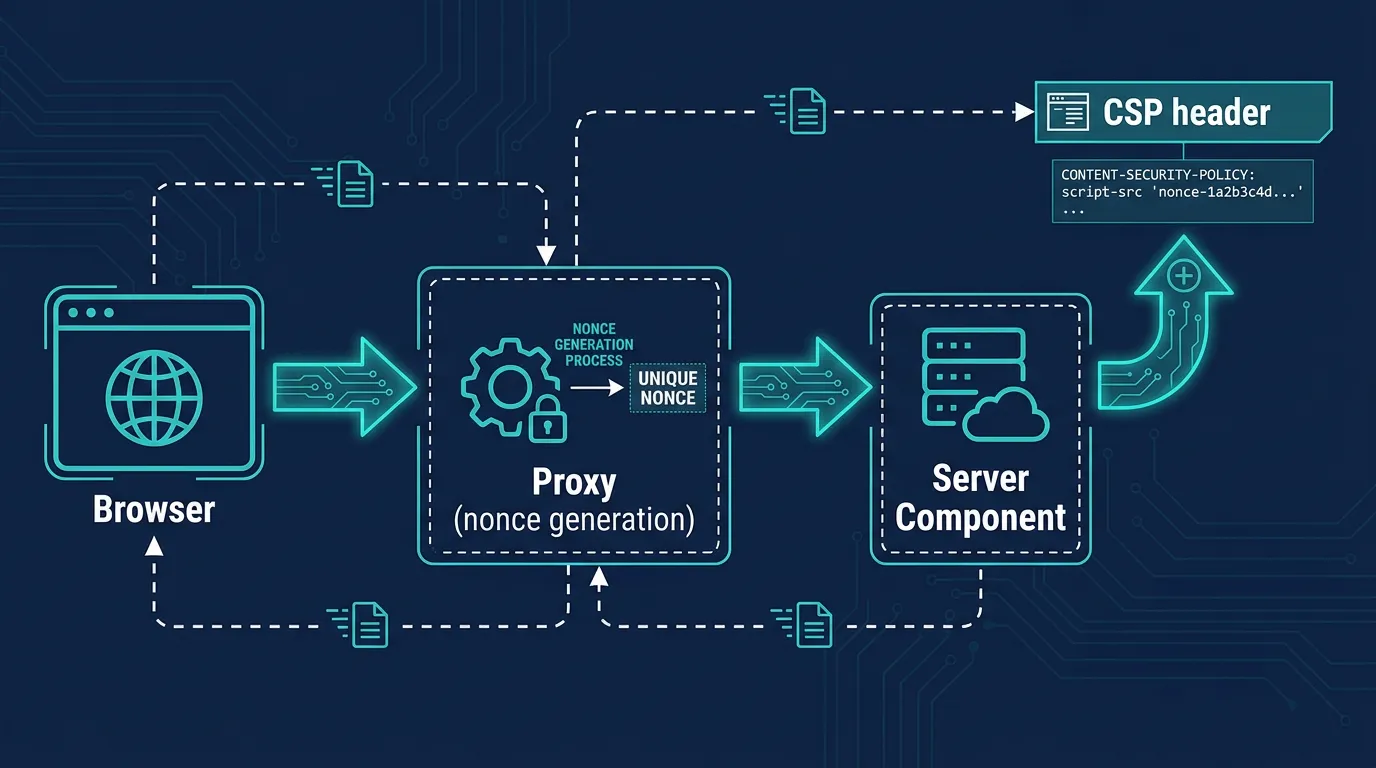
A strict CSP needs a per-request nonce, so that inline scripts Next.js injects (hydration data, inline styles) can be explicitly allowlisted without falling back to unsafe-inline. A static header can't generate a nonce — it has to be set per-request, which means proxy (the file formerly called middleware).
Next.js's own CSP guide documents generating a nonce in proxy.ts and forwarding it through a request header so Server Components can read it:
// proxy.ts
import { NextRequest, NextResponse } from "next/server";

export function proxy(request: NextRequest) {
  const nonce = Buffer.from(crypto.randomUUID()).toString("base64");
  const csp = `
    default-src 'self';
    script-src 'self' 'nonce-${nonce}' 'strict-dynamic';
    style-src 'self' 'nonce-${nonce}';
    img-src 'self' blob: data:;
    connect-src 'self';
    frame-ancestors 'none';
  `.replace(/\s{2,}/g, " ").trim();

  const requestHeaders = new Headers(request.headers);
  requestHeaders.set("x-nonce", nonce);
  requestHeaders.set("Content-Security-Policy", csp);

  const response = NextResponse.next({ request: { headers: requestHeaders } });
  response.headers.set("Content-Security-Policy", csp);
  return response;
}
strict-dynamic matters here: without it, every third-party script your app loads (analytics, payment widgets) needs its own explicit script-src entry, and that list rots the moment a vendor changes their CDN host. With strict-dynamic, a nonce-approved script can load further scripts, which is closer to how real apps actually behave.
The trade-off is that proxy runs on every request, so a CSP this way costs a small amount of latency compared to the static headers() config. For most apps that's a reasonable price for a policy that's actually enforced, rather than one that's been loosened into uselessness to avoid breaking things.
HSTS and the rest of the checklist
Once CSP is in place, the remaining headers are static and belong in next.config.js:
Strict-Transport-Security— tells browsers to refuse plain HTTP for this domain for the given duration. MDN's HSTS reference recommendsmax-age=63072000; includeSubDomains; preloadonce you're confident every subdomain is HTTPS-only — reversing a mistake here means waiting out themax-agein every visitor's browser.X-Content-Type-Options: nosniff— stops browsers from guessing a different MIME type than the one the server declared, which closes off a class of script-injection tricks via uploaded files.Referrer-Policy—strict-origin-when-cross-originis a reasonable default: it sends the full URL to same-origin requests and only the origin to cross-origin ones.Permissions-Policy— explicitly disables browser features (camera, geolocation, USB) your app doesn't use, so an injected script can't abuse an API you never intended to expose.
None of these are exotic. What's easy to miss is that Vercel and similar managed platforms often apply a baseline of these headers automatically at the edge. The moment you self-host, that baseline disappears — next.config.js only does what you explicitly tell it to.
Testing before you ship
Before deploying, check what's actually on the wire rather than trusting the config file:
curl -sI https://your-domain.example.com | grep -i -E "content-security|strict-transport|x-frame|x-content-type"
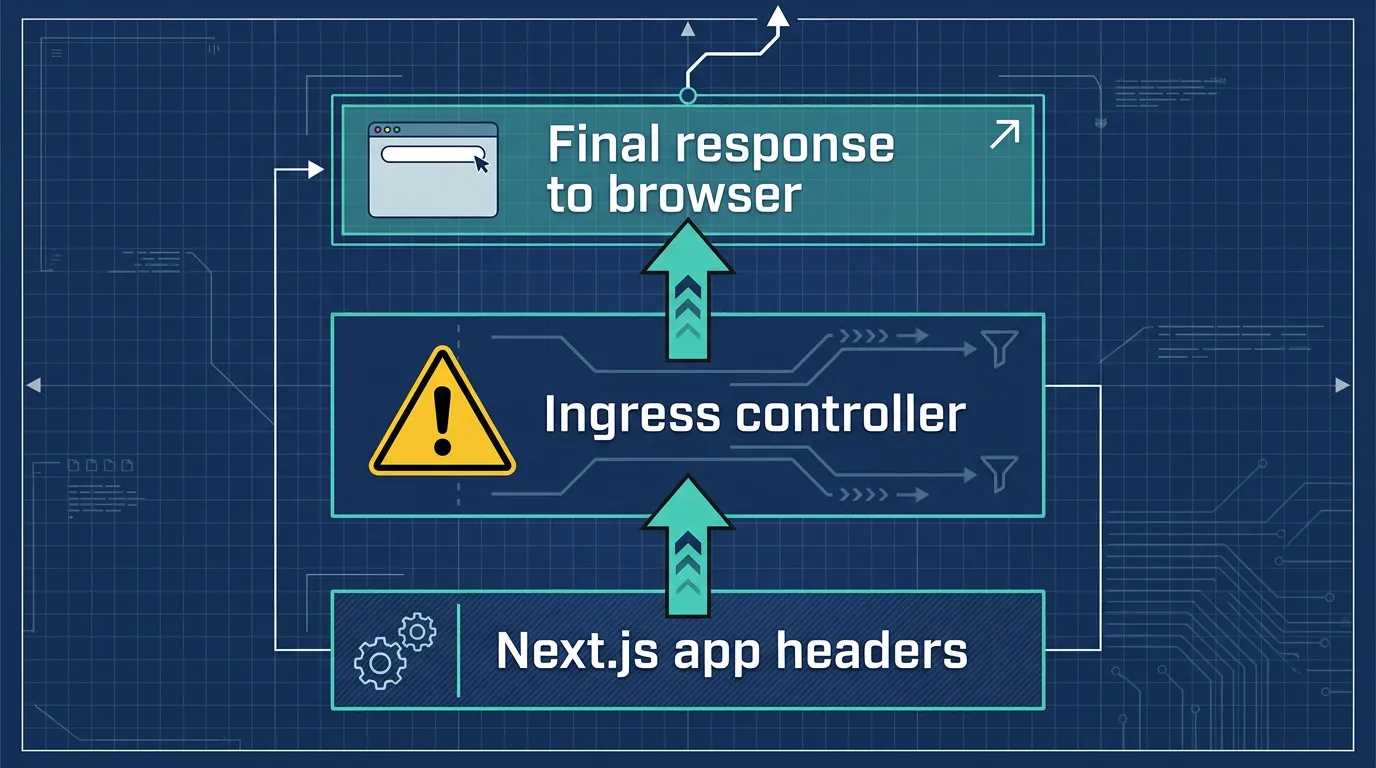
securityheaders.com and the browser DevTools Network tab are useful second opinions — they catch cases where a reverse proxy or CDN in front of Next.js overwrites a header you set in the app.
That overwrite risk is exactly where app-level headers and infrastructure-level policy start to overlap. Kubo runs standard Kubernetes under the hood, and the same layering applies: your ingress controller can set or strip headers before traffic ever reaches a pod, so a header that looks right in next.config.js can still be silently dropped a layer up. Checking the response at the edge, not just in local dev, catches that class of bug.
Where this fits once the app is in containers
Headers are the application's half of the job. The other half is making sure a vulnerability in one container can't become a path to everything else. If you're running Next.js self-hosted on Kubernetes, container vulnerability scanning in your build pipeline catches known CVEs in base images before they ship, and zero-trust network policies stop a compromised pod from reaching your database or internal services even if a request gets past the CSP you just configured. Treating these as one checklist — app headers, image scanning, network policy — is a more realistic security posture than treating any single layer as sufficient on its own.
For teams building this into CI, a DevSecOps CI/CD pipeline that runs these checks automatically on every pull request means a missing header or a newly-flagged CVE gets caught before merge, not after a customer reports it.
Closing checklist
Before calling a Next.js deployment production-ready:
poweredByHeader: falseinnext.config.js- Static headers (
HSTS,X-Content-Type-Options,Referrer-Policy,Permissions-Policy) set viaheaders() - A nonce-based CSP generated in proxy, using
strict-dynamicfor third-party scripts - Headers verified with
curl -Iagainst the deployed URL, not just local dev - A plan for what happens one layer up — reverse proxy, ingress, or CDN — since that's where headers can be silently dropped
If securing the application is step one, securing the cluster it runs on is step two — see how zero-trust network policies lock down pod-to-pod traffic once your headers are in place.