
COLUMN
24/10/2026
Choosing an LLM API Provider: OpenAI, Anthropic, and Google Compared for Production Apps
Picking an LLM API provider looks like a five-minute decision. You compare a couple of price-per-token numbers, skim a benchmark leaderboard, and ship. Then production traffic arrives, and the things that actually determine your bill and your uptime — rate limits, context window pricing, regional latency, fallback behavior — turn out to be nothing like what the landing page implied.
This isn't a ranking of "the best LLM API." Model quality changes every few months and today's leaderboard winner is next quarter's second choice. What doesn't change as fast is the shape of the decision: which dimensions actually matter once you're running a real application, not a demo.
Start with what you're actually optimizing for
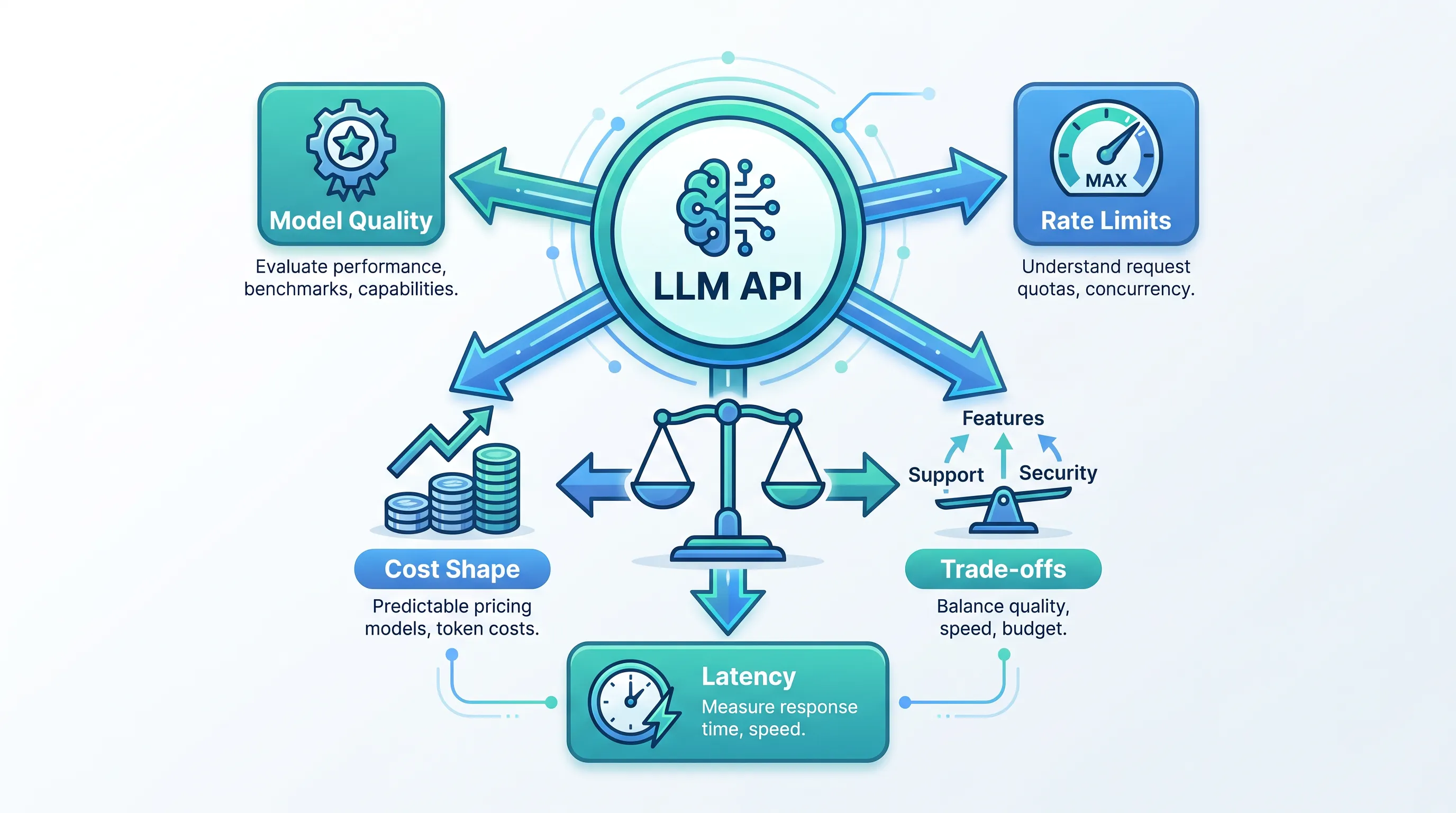
Before comparing OpenAI, Anthropic, and Google, it helps to separate the decision into three questions that get conflated far too often:
- Model quality — does it produce good enough output for your task?
- Operational fit — rate limits, latency, regional availability, SDKs, and how the provider behaves under load.
- Cost shape — not just price per token, but how the bill grows as usage grows.
Most comparisons stop at question 1. Teams that get burned in production usually got burned on question 2 or 3.
Model quality: good enough beats best
For the majority of production use cases — summarization, classification, extraction, RAG-style question answering, customer-facing chat with guardrails — the gap between the top three providers' flagship models is smaller than the gap between a well-tuned prompt and a lazy one. Anthropic's own model overview documents the trade-offs across its Opus, Sonnet, and Haiku tiers by speed and cost rather than pure capability, which reflects how production teams actually buy: most traffic doesn't need the top-tier model.
The practical question isn't "which model scores highest on a benchmark," it's "which of these models clears the bar for my task at the lowest cost tier." That means:
- Test your actual task, not a generic benchmark. A model that's weaker at creative writing can still be stronger at structured extraction.
- Start with the cheapest/fastest tier from each provider (e.g., Haiku, GPT-4o mini, Gemini Flash) and only escalate to a larger model where you can show the smaller one fails.
- Re-test quarterly. Provider rankings on specific tasks shift with every model release.
Rate limits are the production surprise
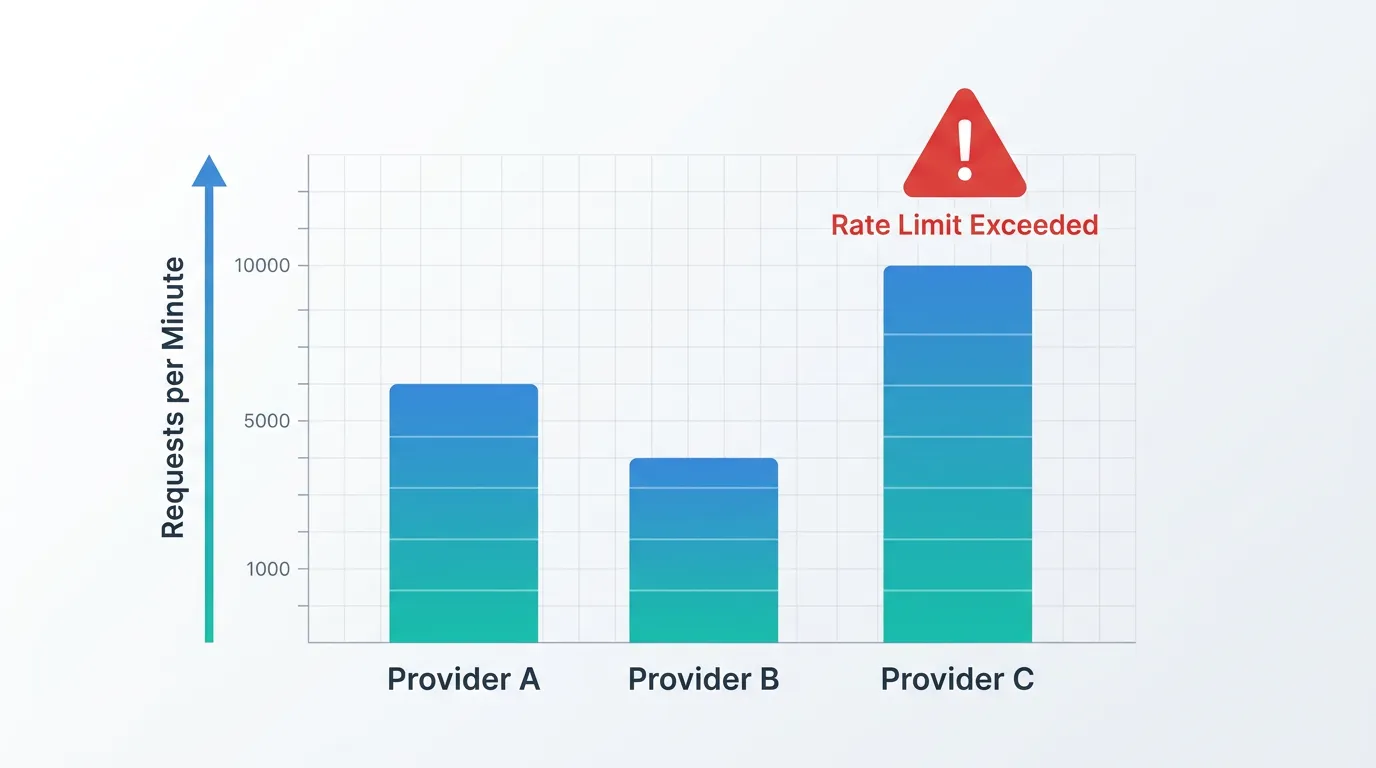
Rate limits rarely matter in development, because you're the only caller. They matter enormously once you have concurrent users, retries, and batch jobs hitting the same API key.
Each major provider enforces limits differently:
- OpenAI limits by requests-per-minute and tokens-per-minute per model, per organization tier, and raises them automatically as your spend history grows — see the OpenAI rate limit documentation for the current tier table.
- Anthropic applies similar RPM/TPM limits per API key and model, documented in the Anthropic API rate limits reference, with limits that scale by usage tier rather than a flat default.
- Google enforces quota per project in Vertex AI / the Gemini API, detailed in Google's Gemini API rate limits page, and quota increases go through a request form rather than automatic scaling.
The failure mode that catches teams off guard isn't the limit itself — it's what happens when you hit it. A 429 response under load, with no retry-with-backoff logic in place, turns a traffic spike into a cascading outage. If you're running anything user-facing, build exponential backoff and a circuit breaker around every LLM call before you need it, not after the first incident.
Latency and regional availability change your architecture
If your users are concentrated in one region, where the provider actually runs inference matters more than raw model speed. OpenAI and Anthropic primarily serve from US-based infrastructure with some regional routing; Google's Vertex AI lets you pin a specific region for Gemini calls, which can meaningfully cut round-trip latency for applications serving EU or APAC users, and matters for teams with data residency requirements.
Latency variance — not just average latency — is the harder problem. A model that averages 800ms but spikes to 6 seconds under load will make a chat interface feel broken even though the "average" looks fine. Measure p95 and p99 latency under your actual concurrency, not a single test call, before committing to a provider for a latency-sensitive feature.
Cost shape: per-token price is the least interesting number
Per-token pricing is the number every comparison leads with, and it's the one that misleads the most. Three things change your real bill far more than the sticker price:
- Context window usage. If your application sends a large system prompt or retrieved context on every call, you're paying for those input tokens every single request. A cheaper per-token rate with a verbose prompt can cost more than an expensive model with a lean one.
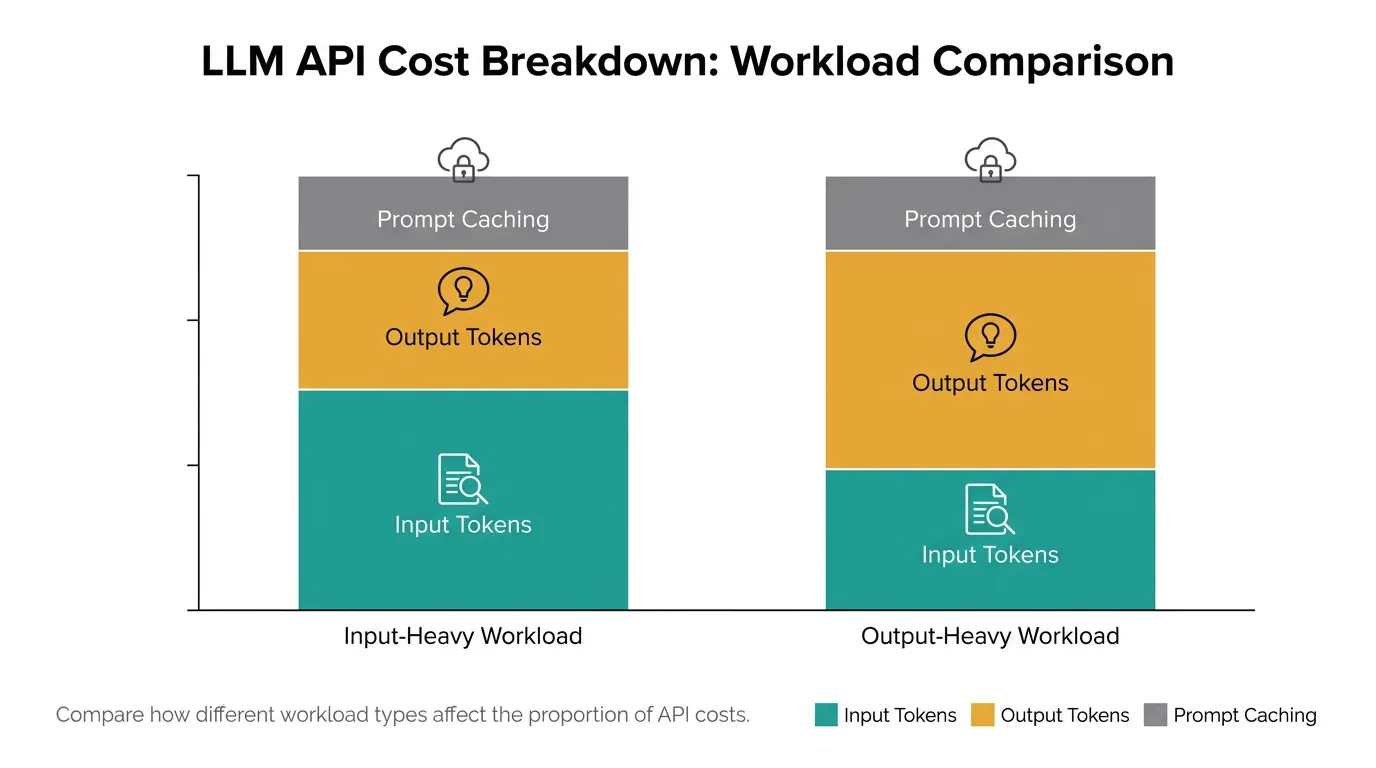
- Caching. Several providers offer prompt caching for repeated context (system prompts, long documents), which can cut effective input cost substantially for workloads that reuse the same context across calls. Check each provider's current caching documentation — this is an area where pricing details change frequently.
- Output length. Output tokens are typically priced several times higher than input tokens across all three providers. A task that produces long-form output (reports, long code generation) will be dominated by output cost, not input cost, which flips which model is actually cheapest.
Run the cost comparison on your actual traffic shape — average input length, output length, and request volume — not the provider's published example. The ranking changes depending on whether your workload is input-heavy (RAG, document analysis) or output-heavy (content generation, code generation).
When "which API" stops being the real question
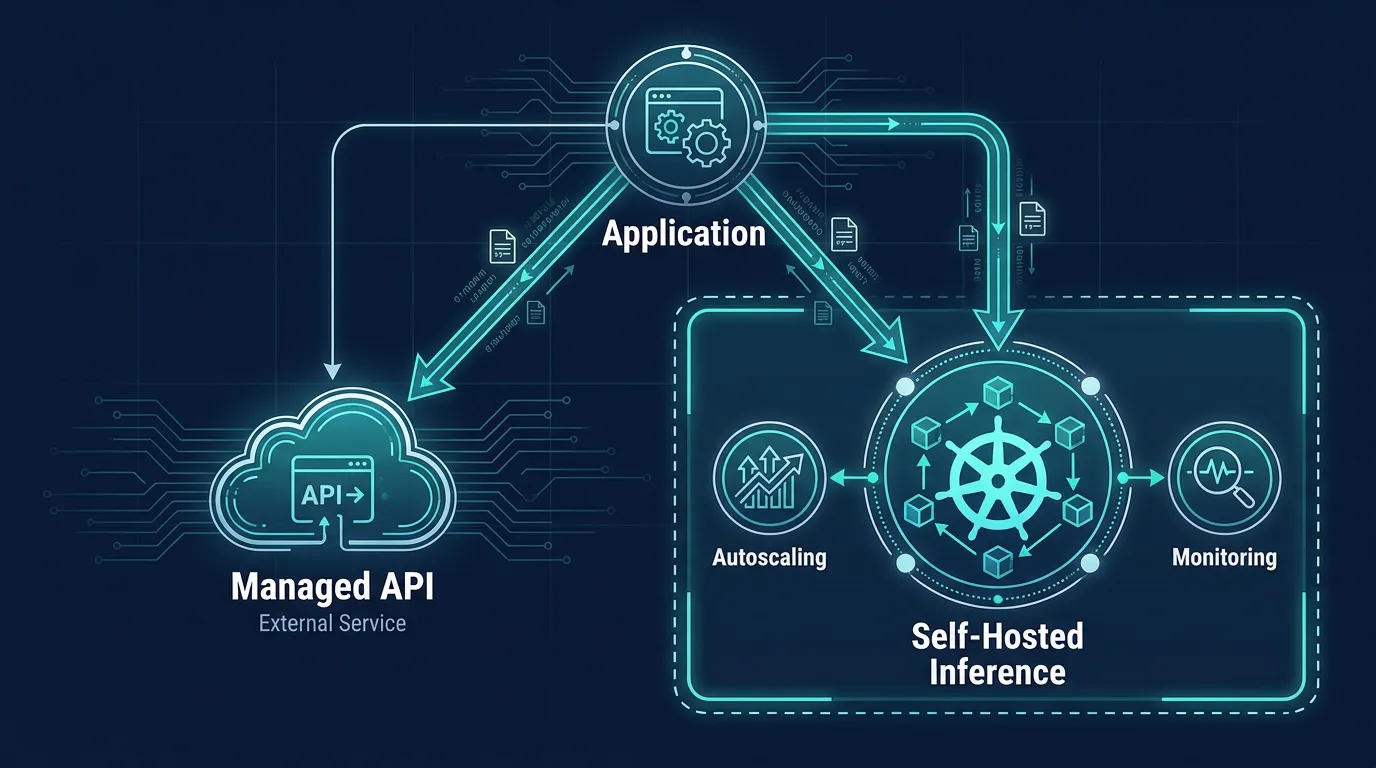
If you're running structured workloads at meaningful volume, there's a point where the comparison shifts from "which managed API" to "should part of this run on infrastructure I control." That's typically triggered by one of:
- Per-token costs on a high-volume task have grown large enough that an open-weight model running on your own GPUs would be cheaper at your volume.
- You need guarantees — data residency, no third-party data retention, predictable latency — that a shared API can't contractually offer.
- You want to run smaller, fine-tuned, or open-weight models for narrow tasks (classification, extraction) instead of paying frontier-model prices for simple work.
This is also why AI-driven teams are increasingly converging on Kubernetes as the layer underneath both their application and their inference workloads: once you're self-hosting even part of your AI stack, you need the same autoscaling, GPU scheduling, and rollout tooling that any production service needs — just applied to inference instead of a web app.
If you do bring inference in-house, budget for the platform work too
Self-hosting an open-weight model isn't just "rent a GPU and run it." You inherit the same production concerns you'd have for any service — ingress, autoscaling on request volume, health checks, rollout strategy for new model versions — plus GPU-specific scheduling that a typical web stack doesn't need. Kubo gives you standard Kubernetes with that plumbing already wired, so adding an inference workload next to your existing services doesn't mean standing up a separate platform team first, and it means you're not locked into one cloud's managed AI product to do it.
The cost side matters here too: self-hosted inference only pays off if you're also controlling infrastructure spend as usage grows, which is the same problem as running any Kubernetes workload efficiently. Kubo's guide to Kubernetes cost optimization covers the sizing and autoscaling decisions that determine whether self-hosting actually beats the managed API bill, rather than just moving the cost somewhere less visible.
And once inference is running as just another workload in your cluster, you want the same visibility into it that you'd expect from any production service — request latency, error rates, token throughput — rather than treating it as a black box. Monitoring production workloads with Prometheus is the same setup you'd use for the rest of your stack, extended to cover the inference service too.
A decision checklist
Before committing to a provider for a production feature:
- Tested the actual task against each provider's cheapest viable tier, not just the flagship model
- Checked current rate limits for your usage tier and built retry/backoff around every call
- Measured p95/p99 latency under realistic concurrency, not a single request
- Modeled cost against your real input/output token shape, including caching where available
- Decided, explicitly, whether this is a "rent the API" workload or a "the volume justifies self-hosting" workload — and revisited that decision as usage grows
None of this means every team should self-host. For most applications, a managed API remains the right default — it's the volume, latency, or data-residency constraints above that should trigger the conversation. When they do, Kubo is worth a look as the Kubernetes layer that runs inference the same way it runs the rest of your production stack.